|
VOOZH | about |
|
VOOZH | about |
Image processing is used in areas like computer vision and medical imaging, focusing on enhancing and analyzing digital images. In Python, NumPy treats images as arrays for efficient pixel-level operations, while SciPy’s ndimage module provides tools for filtering and transformations, enabling fast and lightweight processing.
Ensure you have the required libraries installed:
pip install numpy scipy matplotlib imageio scikit-image
To download the image used in this article, click here
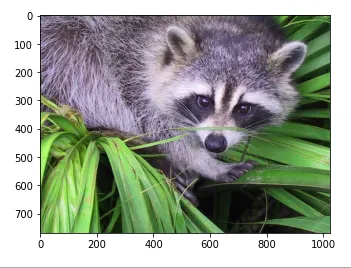
To begin any image processing task, the first step is to load and visualize the image. We'll use imageio.v3 to read an image and matplotlib to display it.
Output
Note: The image must be in the same folder as the Python script otherwise, provide a relative or full path.
Explanation:
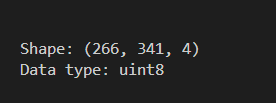
An image is essentially a multi-dimensional NumPy array. Knowing its shape and data type is important for applying filters and transformations.
Output
Explanation: Shape helps understand the image layout (e.g., 266x341x3 for RGB). Data type (usually uint8) shows pixel value range (0-255).
A .raw file stores raw binary data from an image sensor or matrix. It's useful when dealing with uncompressed data in image pipelines.
Output
Explanation: tofile() saves the image pixel data as a binary file, useful for low-level image processing.
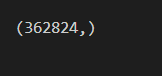
To work with .raw files, we use np.fromfile() to reconstruct the image data into a usable NumPy array.
Output
Explanation: fromfile() reads binary data and the array must be reshaped manually if you want to visualize it (e.g., reshape to original height × width × channels).
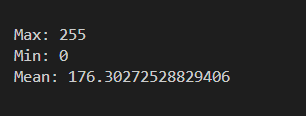
Understanding the min, max and average pixel intensity gives insight into brightness, contrast and histogram distribution of the image.
Output
Explanation: Max and min values indicate contrast and Mean gives an overall idea of brightness.
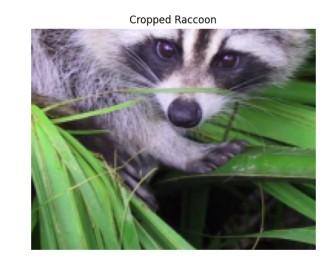
Cropping helps focus on a particular region of interest (ROI) in an image by slicing the NumPy array.
Output
Explanation:
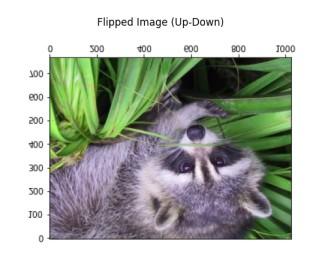
Flipping an image (up-down or left-right) is a common data augmentation technique in image preprocessing.
Output
Explanation: np.flipud() flips the image along the vertical axis.
Filtering is a fundamental technique in image processing used to enhance or suppress certain features. It helps in tasks like smoothing, sharpening and edge detection.
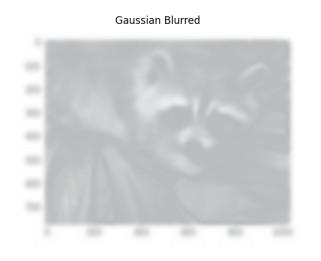
Blurring helps reduce image noise and details using a Gaussian kernel. It’s useful in preprocessing steps like edge detection or thresholding.
Output
Explanation: gaussian_filter(img, sigma=5) smooths the image using a Gaussian kernel. sigma controls the intensity of blur and converts to uint8 before display to ensure proper color rendering.
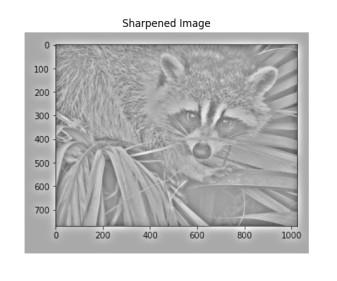
Sharpening increases contrast between edges to enhance details and clarity. Unsharp masking subtracts a blurred version from the original.
Output
Explanation:
Image denoising removes random noise to enhance image quality, particularly useful in low-light photography or scanned documents.
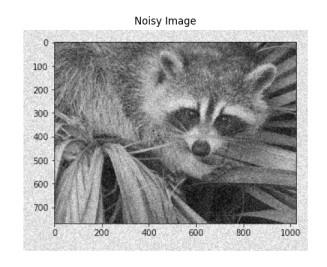
Artificial noise is added to simulate a noisy environment, commonly seen in real-world low-light or sensor-imperfect images.
Output
Explanation: Adds random values scaled by image standard deviation to simulate real-world noise (e.g., from low-light sensors).
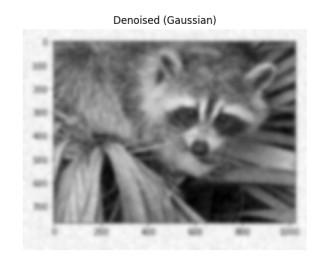
Gaussian filtering smooths the image by averaging pixel values with its neighbors using a Gaussian kernel, effectively reducing high-frequency noise.
Explanation: Smooths the image using a Gaussian kernel to reduce high-frequency noise while preserving structure.
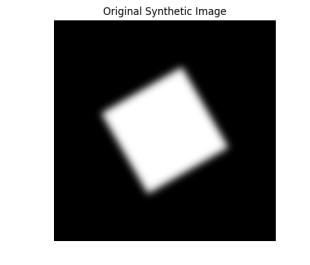
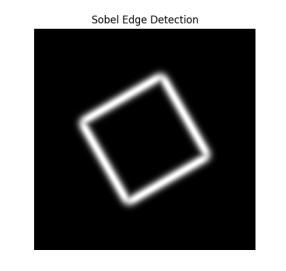
Sobel edge detection identifies image edges by computing intensity gradients using 3×3 kernels. It highlights boundaries by combining horizontal and vertical changes, aiding in tasks like segmentation and object detection.