VOOZH about

URL: https://www.geeksforgeeks.org/python/implicit-waits-in-selenium-python/

⇱ Implicit Waits in Selenium Python - GeeksforGeeks


  • Courses
  • Tutorials
  • Interview Prep

Implicit Waits in Selenium Python

Last Updated : 3 Sep, 2025

Modern web applications often use AJAX techniques, where elements on a page may load at different times. This asynchronous loading can make locating elements tricky: if an element is not yet present in the DOM, Selenium will throw an ElementNotVisibleException.

To handle such scenarios, Selenium provides waits, which add a delay between actions like locating elements or performing operations on them. There are two types of waits in Selenium: Implicit Waits and Explicit Waits.

What is an Implicit Wait?

An implicit wait tells Selenium WebDriver to poll the DOM for a certain amount of time when trying to find elements that are not immediately available.

  • Default Setting: 0 seconds (no waiting).
  • Scope: Once set, the implicit wait applies throughout the lifetime of the WebDriver instance.
  • Behavior: Selenium waits up to the specified time before throwing a NoSuchElementException if the element is not found.

Syntax

driver.implicitly_wait(time_in_seconds)

  • driver: WebDriver instance.
  • time_in_seconds: Maximum time to wait for elements to appear.

Example 1: Basic Implicit Wait

Output:

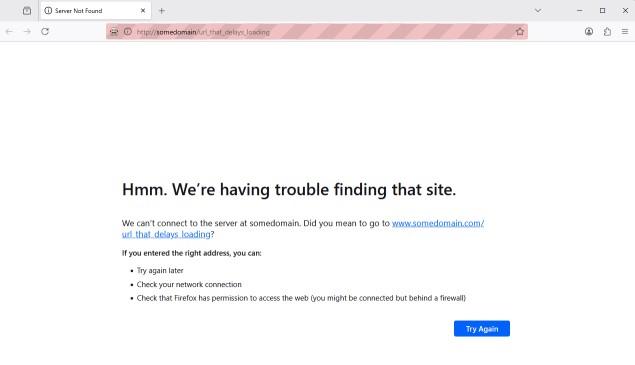
👁 Output
Element Loaded

Explanation:

  • Selenium will poll the DOM for up to 10 seconds until the element with ID "myDynamicElement" appears.
  • If the element is found earlier, Selenium proceeds immediately.
  • If the element is not found within 10 seconds, a TimeoutException is raised.

Example 2: Implicit Wait on GeeksforGeeks.

Output:

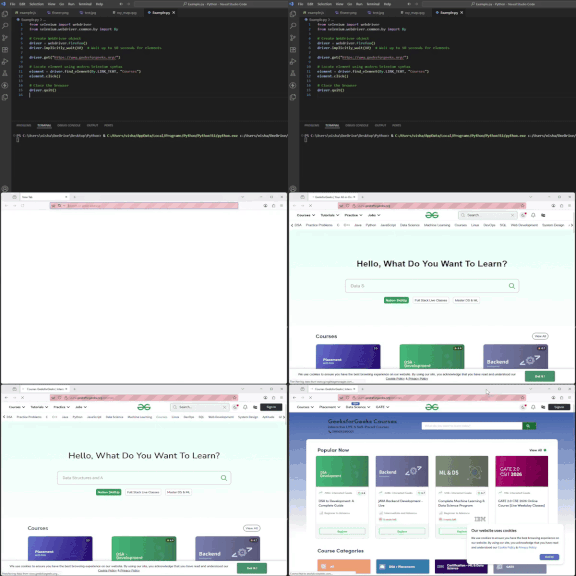
👁 Output
Courses Page

Explanation:

  • Selenium opens the GeeksforGeeks homepage.
  • It waits up to 10 seconds to locate the Courses link.
  • Once found, it clicks on the link and navigates to the corresponding page.
Comment
Article Tags: