|
VOOZH | about |
|
VOOZH | about |
There are many frameworks in python which allows you to create webpage like bottle, flask, django. In this article you will learn how to create simple app bottle.Bottle is a fast, simple and lightweight WSGI micro web-framework for Python. It is distributed as a single file module and has no dependencies other than the Python Standard Library.
Routing: Requests to function-call mapping with support for clean and dynamic URLs.
Templates: Fast and pythonic built-in template engine and support for mako, jinja2 and cheetah templates.
Utilities: Convenient access to form data, file uploads, cookies, headers and other HTTP-related metadata.
Server: Built-in HTTP development server and support for paste, fapws3, bjoern, gae, cherrypy or any other WSGI capable HTTP server.
In order to create the app using bottle we have to install it first
Windows
pip install bottle
Ubuntu
pip3 install bottle
By default, if we pass a template name to the SimpleTemplate and it will look for a file by that name in a subdirectory views with the extension .tpl.
First we have to create the directory for our project Test_project
Inside that create a file and name it as app.py
app.py
Then create the new directory views
Inside that create a file index.tpl
To run this app open cmd or terminal
Windows
python app.py
Ubuntu
python3 app.py
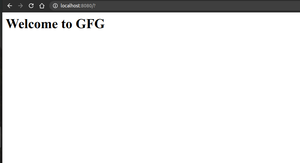
Output :
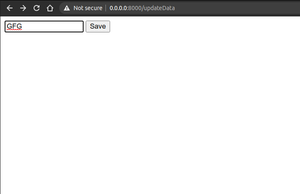
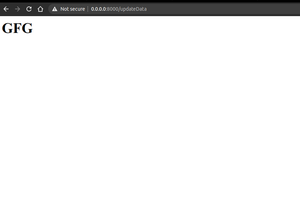
👁 ImageTo handle POST method in bottle we have to write two functions one for GET method and one for POST method.
Inside views directory create new file forms.tpl