|
VOOZH | about |
|
VOOZH | about |
JustPy is a web framework that leverages the power of Python to create web applications effortlessly. In this article, we'll explore JustPy, its features, and why it's gaining attention among developers.
The JustPy module of Python is a web framework like Django but it is an oriented, Component-Based, and High-level framework with required zero Front End Programming. Users who don't know Frontend technologies like JavaScript can easily build some interactive websites without any Frontend knowledge, just by using Python Code and not a single line of JavaScript.
In JustPy, the methods or classes which is used to create the webpage elements are known as Component Class. This Component Classes will hold the user-defined custom elements inside it and users can use them as many times as they want, without writing the same design twice. Using these component classes, we can differentiate between different designs, functionalities, etc. from the other designs or component classes so that they don't overlap with each other.
JustPy also supports the SVG and HTML components alongside some more complex features like Charts and Grids with the help of the Matplotlib library of Python. It also supports other Python libraries like Pandas, and even with a Pandas extension which helps the user create interactive charts or grids using the Pandas Datastructures like Series and Dataframe.
To install justpy use this command.
pip install justpy
This function is used to display something on the browser.
Running the Program
python <filename>.py
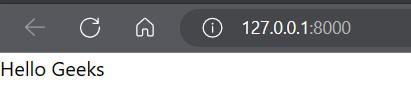
The code will be deployed in 127.0.0.1:8080, i.e localhost and port number 8080.
Output
As stated earlier, JustPy components are classes that contains specific design or code which can be resued by the user just by creating an object of it and calling it via the object. In the above example -
div = jp.Div(text='Hello Geeks')
This line is similar to the HTML version -
<div> Hello Geeks </div>
Web Pages are also a component of JustPy and they are instance of the WebPage class of JustPy. We need to first create an instance of it then add elements as we want.
web_page = jp.WebPage()
The variable web_page is storing the instance of the WebPage() class. Now we can add text or any other element by calling add() method.
web_page.add(div)
Finally, we need to return the object of the WebPage class, i.e in which we have instantiated the class and stored it.
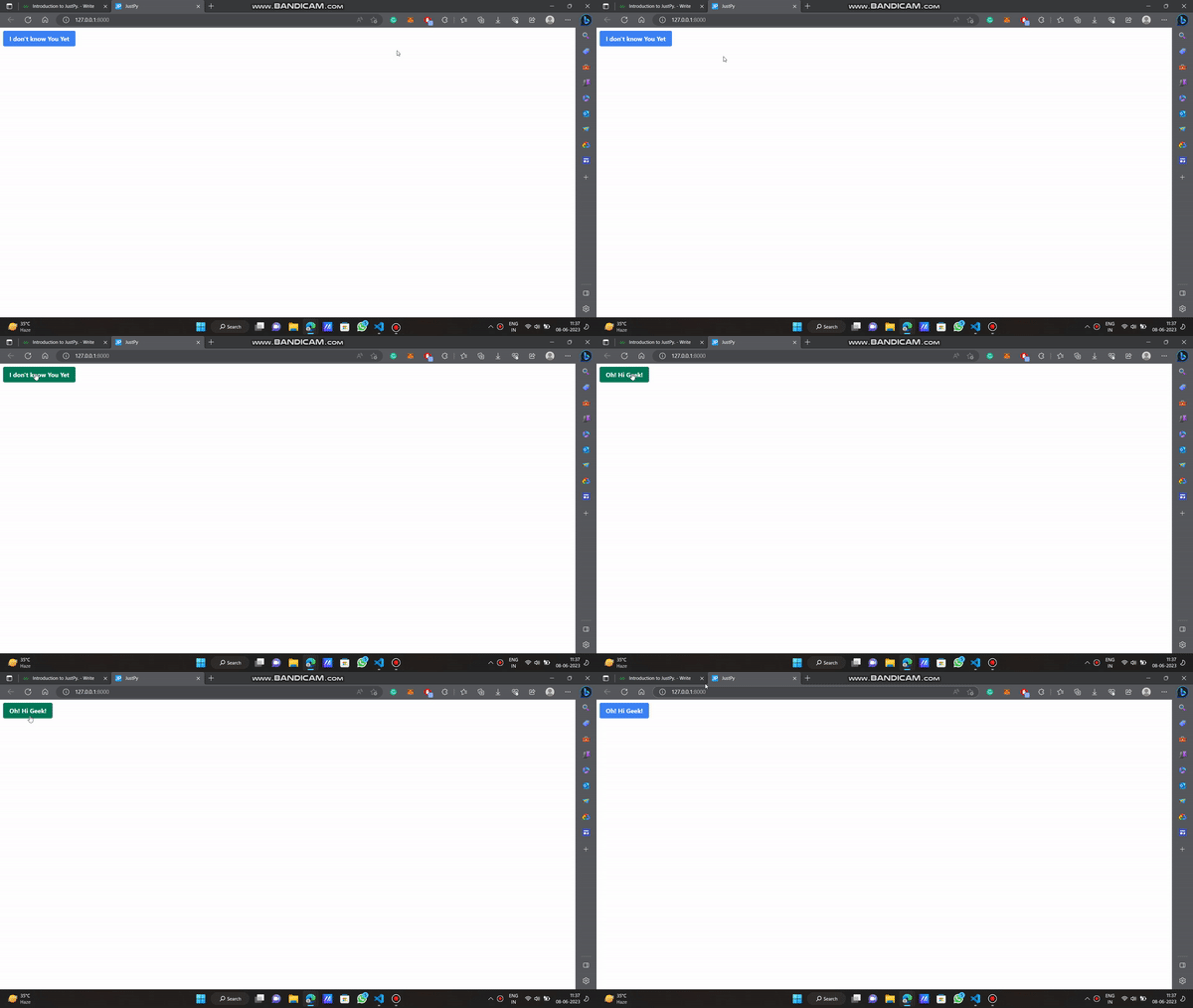
We can add some responsive button in our webpage too using JustPy. The button will show some text before clicking, and that will change after we have clicked it. It is like the innerHTML concept of JavaScript DOM.
Output
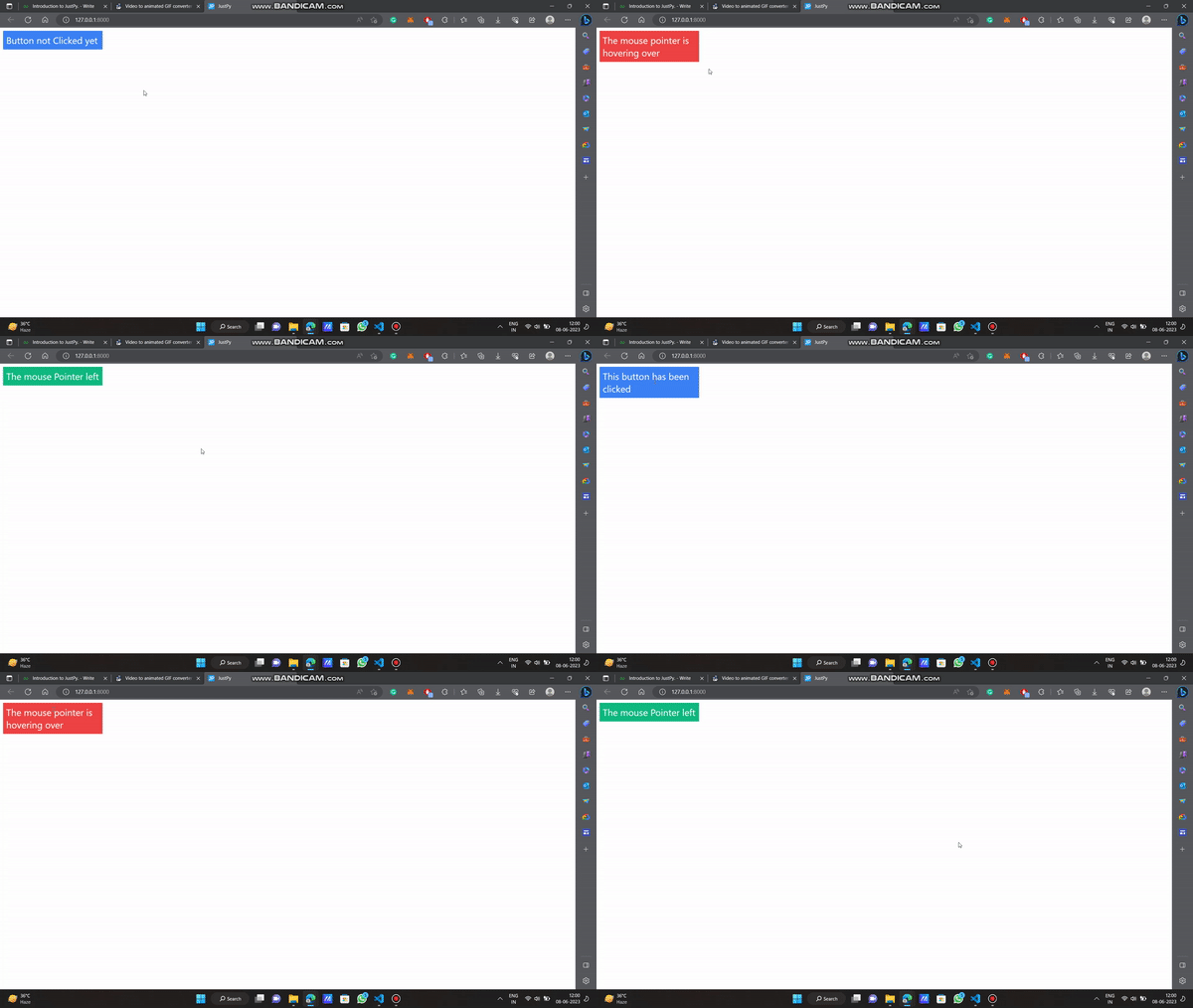
Now we will use a button and add some response when the user hovers over it. We will use Three functions / Components here.
As we are using three functions here with different functionalities it as another example of handling multiple events at once.
Output
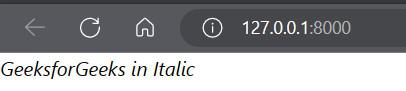
This Python script uses the JustPy library to create a web page displaying the text "GeeksforGeeks in Italic" in an italic format. It defines a function 'italic_text()' that sets up the web page and adds the italic text. When executed, it runs as a JustPy web application, serving the page with the formatted text.
Output
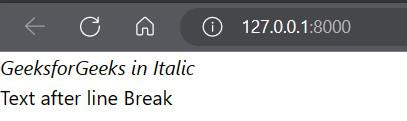
This script uses the JustPy library to create a web page with italicized text and a line break. It imports JustPy as jp, defines a function (line_break_demo), and adds text elements to the page. It then returns the web page object. When executed, it serves this web page.
Output
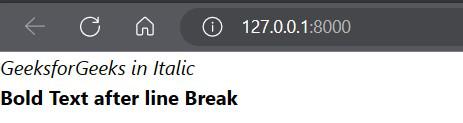
This script uses the JustPy library to create a web page with italicized text, a line break, and bold text. It imports JustPy as jp, defines a function (bold_text), and adds text elements to the page. It returns the web page object. When executed, it serves this web page.
Output
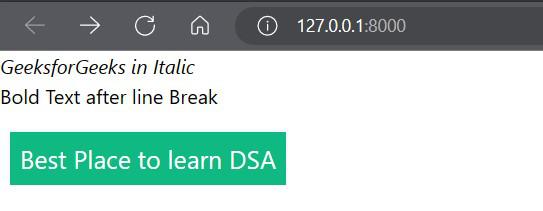
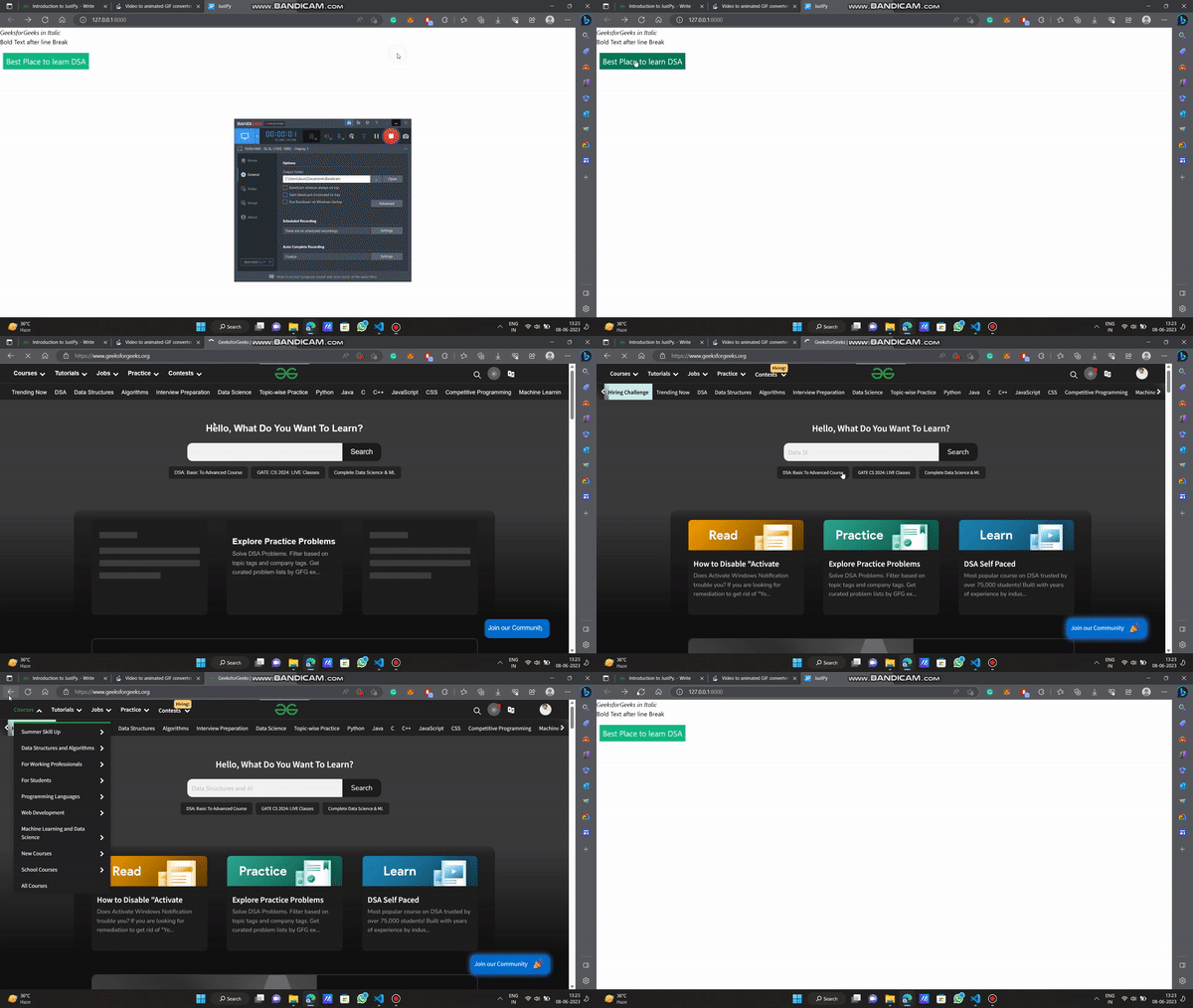
This script uses the JustPy library to create a web page with italicized text, a line break, bold text, and a hyperlink. It imports JustPy as jp, defines a function (bold_text), and adds various text elements to the page, including a hyperlink to "Best Place to learn DSA" with a link to GeeksforGeeks. It returns the web page object. When executed, it serves this web page.