|
VOOZH | about |
|
VOOZH | about |
A List View is used to show multiple records from a database, such as posts, products, or users.
Example: Consider a project named 'geeksforgeeks' having an app named 'geeks'. After creating the project and app, the next step is to create a model, whose records will be displayed using the List View.
In geeks/models.py:
Run the following commands to create the corresponding database table
python manage.py makemigrations
python manage.py migrate
Use Django's shell to create model instances:
python manage.py shell
Enter following commands in shell:
from geeks.models import GeeksModel
GeeksModel.objects.create(title="title1", description="description1")
GeeksModel.objects.create(title="title2", description="description2")
GeeksModel.objects.create(title="title3", description="description3")
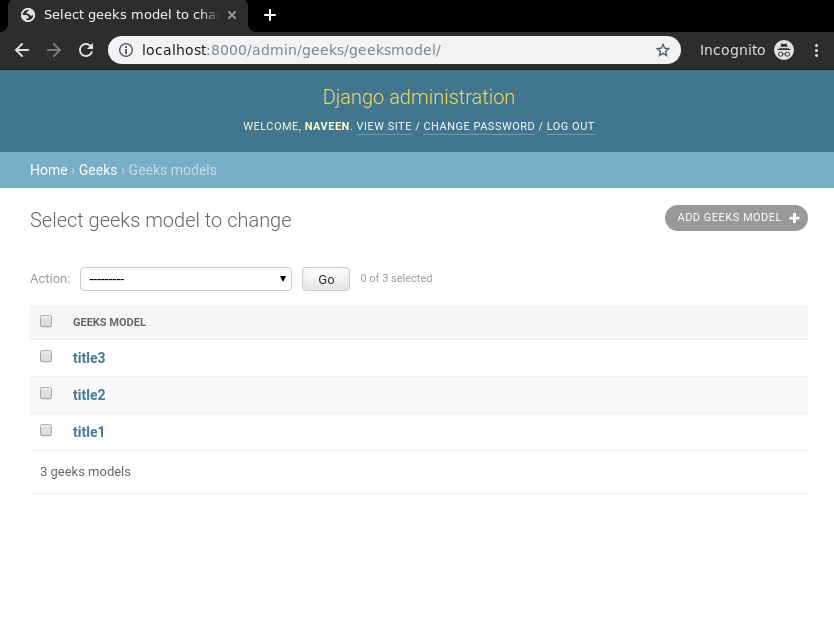
Now we have everything ready for back end. To verify that instances have been created, exit the shell using exit() command and run the development server using this command:
python manage.py runserver
After running the command, visit the development url: http://127.0.0.1:8000/
👁 django-listview-check-models-instancesIn geeks/views.py, define a function-based view to fetch and render the model instances:
In templates/list_view.html, add the following HTML to display the data:
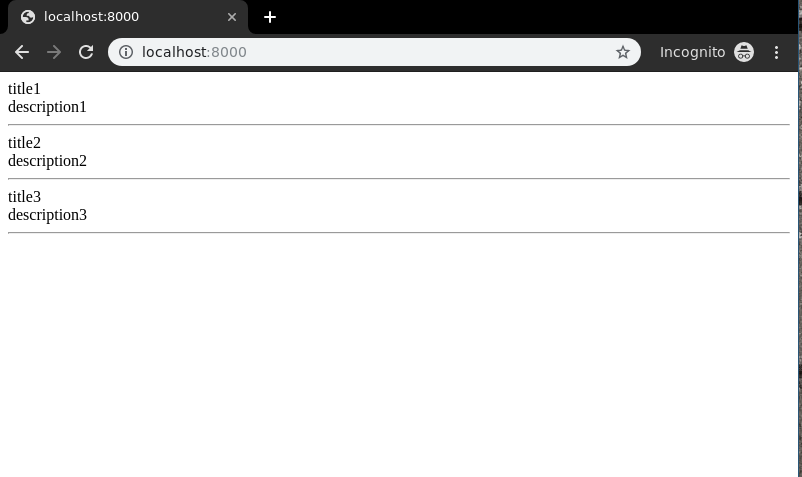
Run the development server and visit the URL http://127.0.0.1:8000/ to see the list view in action.
Output:
👁 django-listview-function-basedYou can order the results in reverse (newest first) by modifying the view:
order_by("-id"): sorts the items in descending order of their ID.
Output:
👁 django-listview-order-byYou can also filter the data shown in the list view. For example, let’s add a new entry:
Launch the shell using the below command:
python manage.py shell
Enter the following commands in shell:
👁 django-listview-modelsfrom geeks.models import GeeksModel
GeeksModel.objects.create(title = "Naveen", description = "GFG is Best").save()
To display only items with the word “title” in their title, update the view:
title__icontains="title" filters entries whose title contains the word "title", case-insensitively.
Run the development server and visit the URL http://127.0.0.1:8000/ again to see the filtered output.
👁 django-listview-function-based2