|
VOOZH | about |
|
VOOZH | about |
In this article we will see how we can get the center of mass of the image in mahotas. Center of mass" (for binary images) is a bit convoluted way of saying "mean value across each dimension". In other words - take all x coordinates and average them - and you got x coordinate of your "center of mass", the same for y.
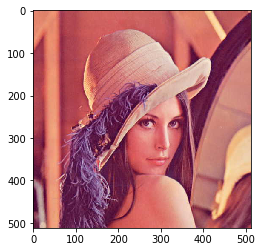
In this tutorial we will use “lena” image, below is the command to load it.
mahotas.demos.load('lena')
Below is the lena image
In order to do this we will use mahotas.center_of_mass method
Syntax : mahotas.center_of_mass(img)
Argument : It takes image object as argument
Return : It returns center of mass co-ordinates
Note : Input image should be filtered or should be loaded as grey
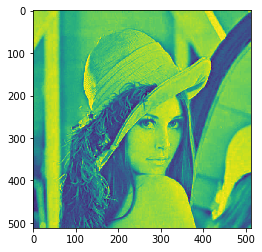
In order to filter the image we will take the image object which is numpy.ndarray and filter it with the help of indexing, below is the command to do this
image = image[:, :, 0]
Below is the implementation
Output :
Center of Mass : [246.64854256 259.45157125]
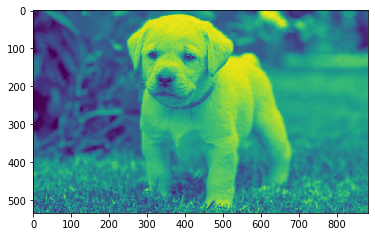
Another example