|
VOOZH | about |
|
VOOZH | about |
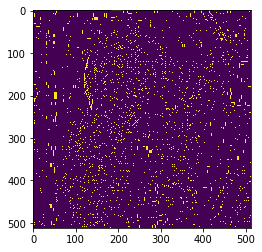
In this article, we will see how we can get regional maxima of images in mahotas. Regional maxima is a stricter criterion than the local maxima as it takes the whole object into account and not just the neighborhood. Maxima are connected components of pixels with a constant intensity value, surrounded by pixels with a lower value.
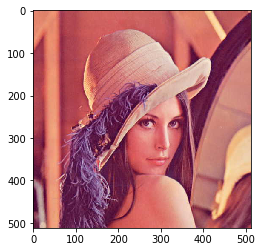
In this tutorial, we will use the “Lena” image, below is the command to load it.
mahotas.demos.load('lena')
Below is the Lena image
In order to do this we will use mahotas.regmax method
Syntax : mahotas.regmax(img)
Argument : It takes image object as argument
Return : It returns image object
Note: Input image should be filtered or should be loaded as grey
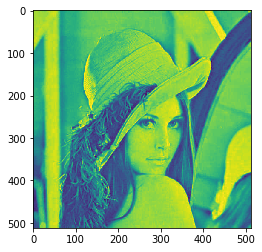
In order to filter the image we will take the image object which is numpy.ndarray and filter it with the help of indexing, below is the command to do this
image = image[:, :, 0]
Below is the implementation
Output :
Image👁 Image
Regional Maxima👁 Image
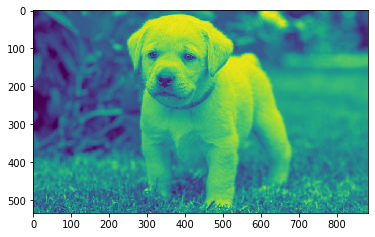
Another example