|
VOOZH | about |
|
VOOZH | about |
The title() method in the Matplotlib module is used to specify the title of the visualization depicted and display the title using various attributes. In this article, we will learn about this function with the help of examples.
Syntax: matplotlib.pyplot.title(label, fontdict=None, loc='center', pad=None, **kwargs)
Parameters:
Return Type:
The return type is generally a matplotlib.text.Text object. It returns the Text object that represents the title.
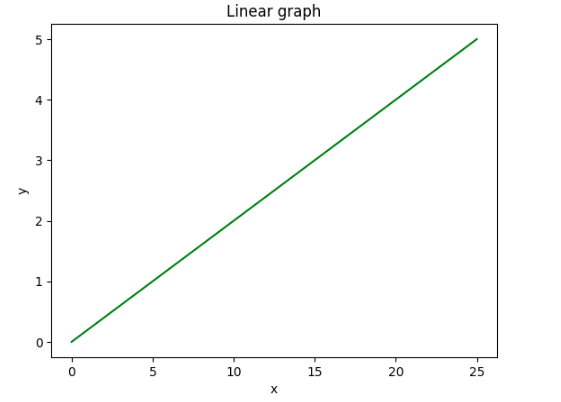
In this example, a linear graph is created and title "Linear Graph" is added to the plot using the matplotlib.pyplot.title() function. To display the title setting the label argument is the minimum requirement.
Output:
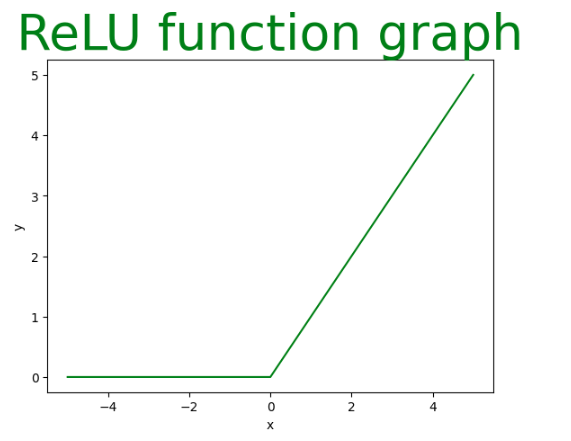
Here a ReLU function graph is created using matplotlib.pyplot based on the provided x-coordinates. The title "ReLU Function Graph" is added to the plot with custom styling.
Output:
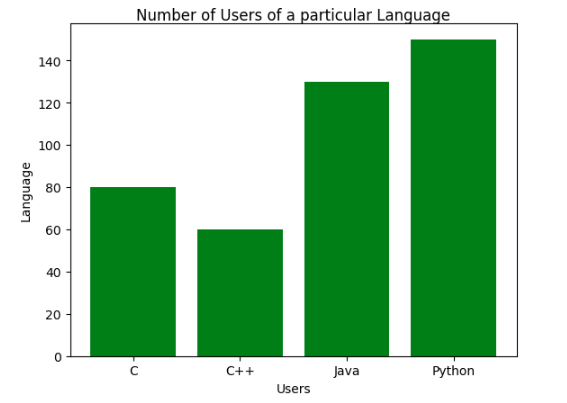
In this example, a bar graph is created and title is customized with the fontweight key from the fontdict argument and the pad argument along with the label parameter.
Output:
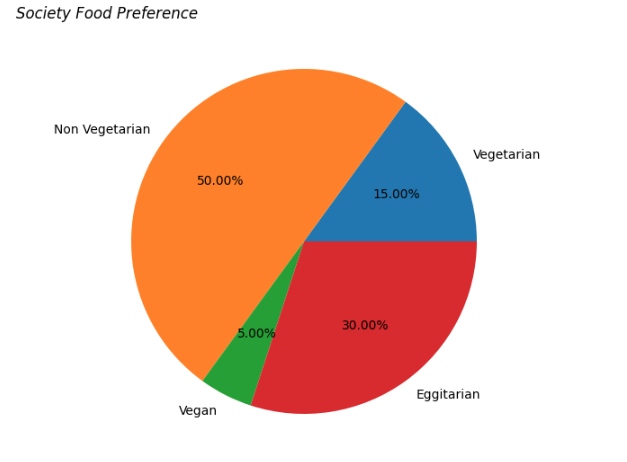
In this example, a pie chart is created and title is customized with the label, fontweight keyword from the fontdict and the fontstyle (**kwargs) argument which can take values such as italic, bold or oblique.
Output:
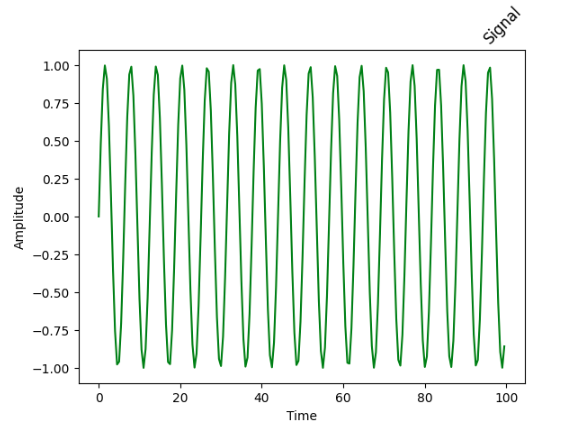
In this example, a sinusoidal signal is visualized and title is customized with the label argument set to 'Signal', loc argument set to right and the rotation argument (**kwargs) set to 45 degrees.
Output:
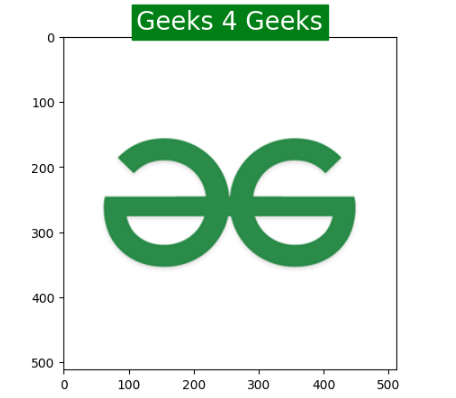
In this example, an image is displayed and the title is customized with the label argument set to "Geeks 4 Geeks" the fontsize key from fontdict set to 20 and additional parameters backgroundcolor set to 'green' and color set to 'white'.
Output:
With these methods, we can customize title of our plots and can make our visualizations better and interactive.