|
VOOZH | about |
|
VOOZH | about |
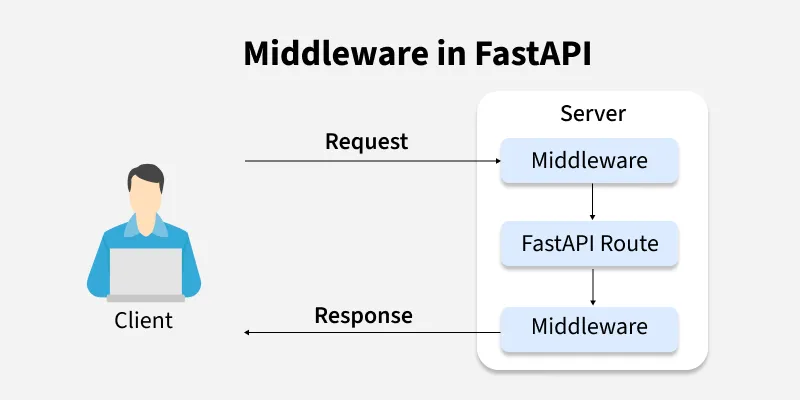
A middleware is a piece of code that runs before the request reaches your endpoint and again after response is sent back. It:
Middlewares can be categorixed into two types:
When the frontend and FastAPI backend run on different domains or ports, browsers block requests due to CORS policy. CORS Middleware allows specified domains to access the API, enabling seamless communication between frontend and backend.
Example: Enable CORS in FastAPI to allow the frontend to communicate with the backend without being blocked.
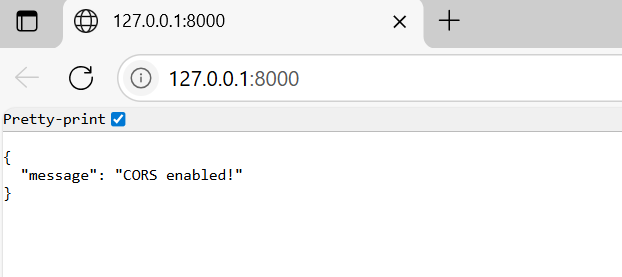
Output:
Now, any frontend app can also access this API without being blocked.
Explanation:
GZipMiddleware compresses responses before sending, making them smaller and faster to deliver as large API responses increase transfer time and bandwidth usage.
Example: This example shows how to use GZipMiddleware to compress large responses automatically, saving bandwidth.
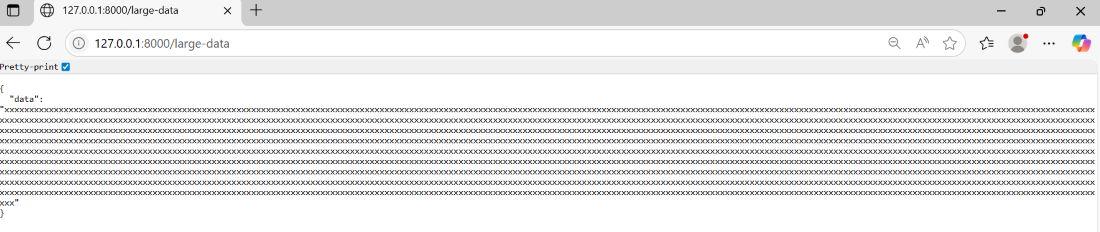
Output:
When you open /large-data, server compresses the response before sending it. The browser automatically decompresses it and shows:
Explanation:
Allowing all hosts in production is insecure. TrustedHostMiddleware restricts access to specified hostnames, blocking others and protecting against Host Header attacks
Example: This example uses TrustedHostMiddleware to restrict access to specific hostnames.
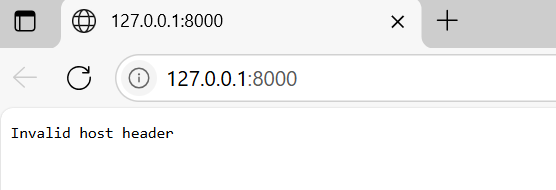
Output:
If you open using http://127.0.0.1:8000/, you get Invalid Host header (because 127.0.0.1 is not in the allowed_hosts).
The Invalid Host Header error is expected and proves that TrustedHostMiddleware is working correctly. If you also want to allow 127.0.0.1, just add it to the list like this:
allowed_hosts=["example.com", "localhost", "127.0.0.1"]
Explanation:
In production, HTTP is insecure. HTTPSRedirectMiddleware automatically redirects all HTTP requests to HTTPS, ensuring secure and encrypted communication.
Example: This example shows how to use HTTPSRedirectMiddleware to automatically redirect all HTTP requests to HTTPS for better security.
Output:
When you run this code locally, you’ll see warnings like:
WARNING: Invalid HTTP request received.
This happens because your local server is only running on HTTP and doesn’t have HTTPS configured. That’s normal nothing is wrong.
In a real production setup (with HTTPS enabled), this middleware automatically redirects all incoming HTTP requests to HTTPS, so users always connect securely. For example:
http://example.com -> redirects to -> https://example.com
And then you’ll see the response:
{"message": "You are redirected to HTTPS!"}
Explanation:
When building a FastAPI application, you may wonder whether to use middleware or dependencies for certain logic. The choice depends on the scope of what you want to apply:
Use Middleware when logic should run for every request and response globally, regardless of which route is called.
Examples:
Use Dependencies when logic is needed only for specific routes or endpoints, not whole application.
Examples: