|
VOOZH | about |
|
VOOZH | about |
In this article, we will see how we can plot data with timestamps using the PyQtGraph module in Python. PyQtGraph is a graphics and user interface library for Python that provides functionality commonly required in designing and science applications. Its primary goals are to provide fast, interactive graphics for displaying data (plots, video, etc.) and the second is to provide tools to aid in rapid application development (for example, property trees such as used in Qt Designer).
In order to install the PyQtGraph we use the command given below.
pip install pyqtgraph
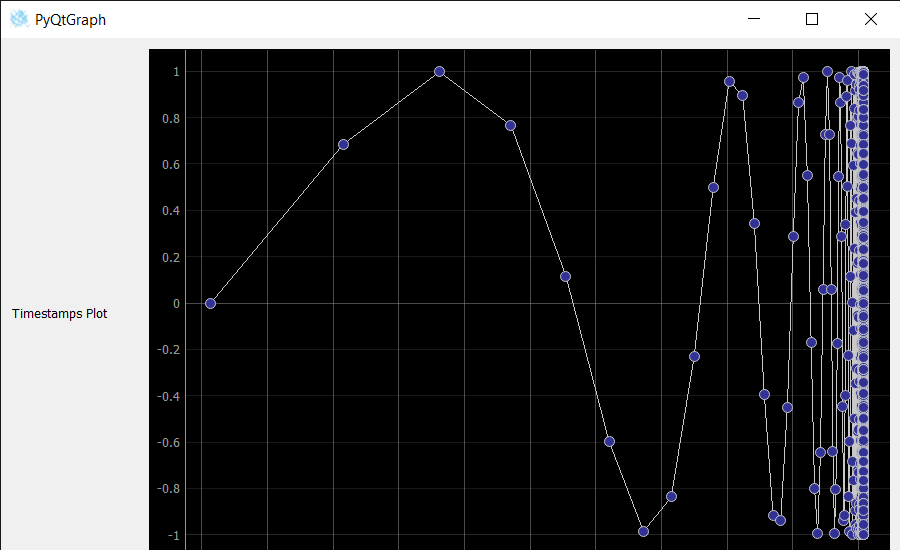
A timestamp is a sequence of characters or encoded information identifying when a certain event occurred, usually giving date and time of day, sometimes accurate to a small fraction of a second. In this tutorial we will see how we can plot timestamps on x-axis and y-axis will have corresponding data with it.
In order to do so we have to do the following
Below is the implementation.
Output :