PyGame is a Free and Open source python library used to design video games. In this article, we will learn how we can add different animations to our characters.
Simple Animation
We can easily add simple animations in our pygame projects by following the below steps.
- Create a list of sprites
- Iterate over the list
- Display the sprite on the screen
👁 Image
👁 Image
Below is the implementation:
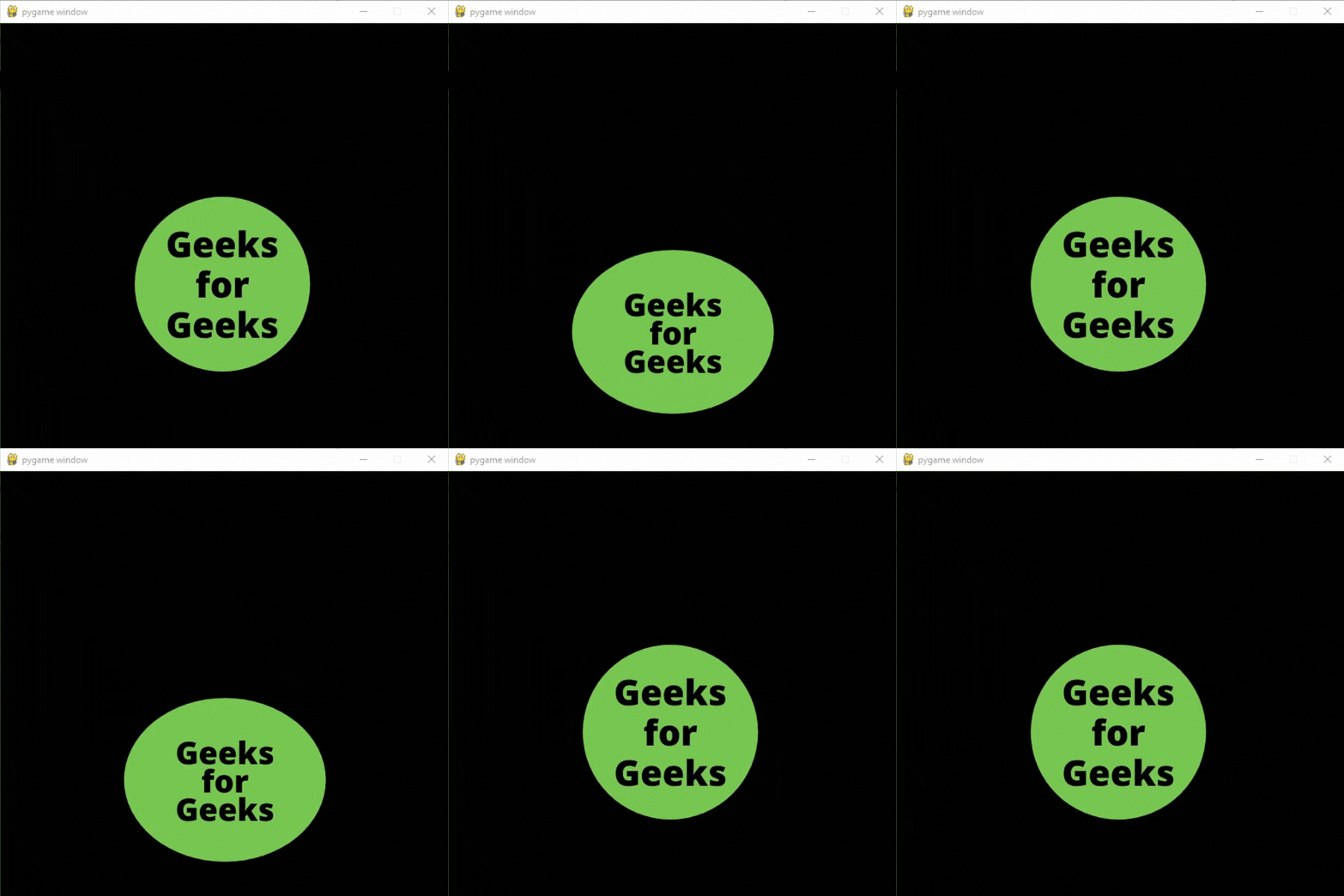
Output:
👁 Image
Explanation:
- Create a display surface object of a specific dimension
- Then Create a list of different sprites that you want to use in the animation, and then create a new clock object to track the amount of time.
- Create a boolean variable that we will use to run the while loop and then Create an infinite loop to run our game. Setting the framerate to 3fps just to see the result properly. Set 0 in value variable if its value is greater than the length of our sprite list.
- Store the sprite image in an image variable, and then Create a variable to store the starting x and y coordinate. Change the y-coordinate according to the value stored in our value variable.
- Then display the image in our game window and Update the display surface, and fill the window with black color.
Moving Animation
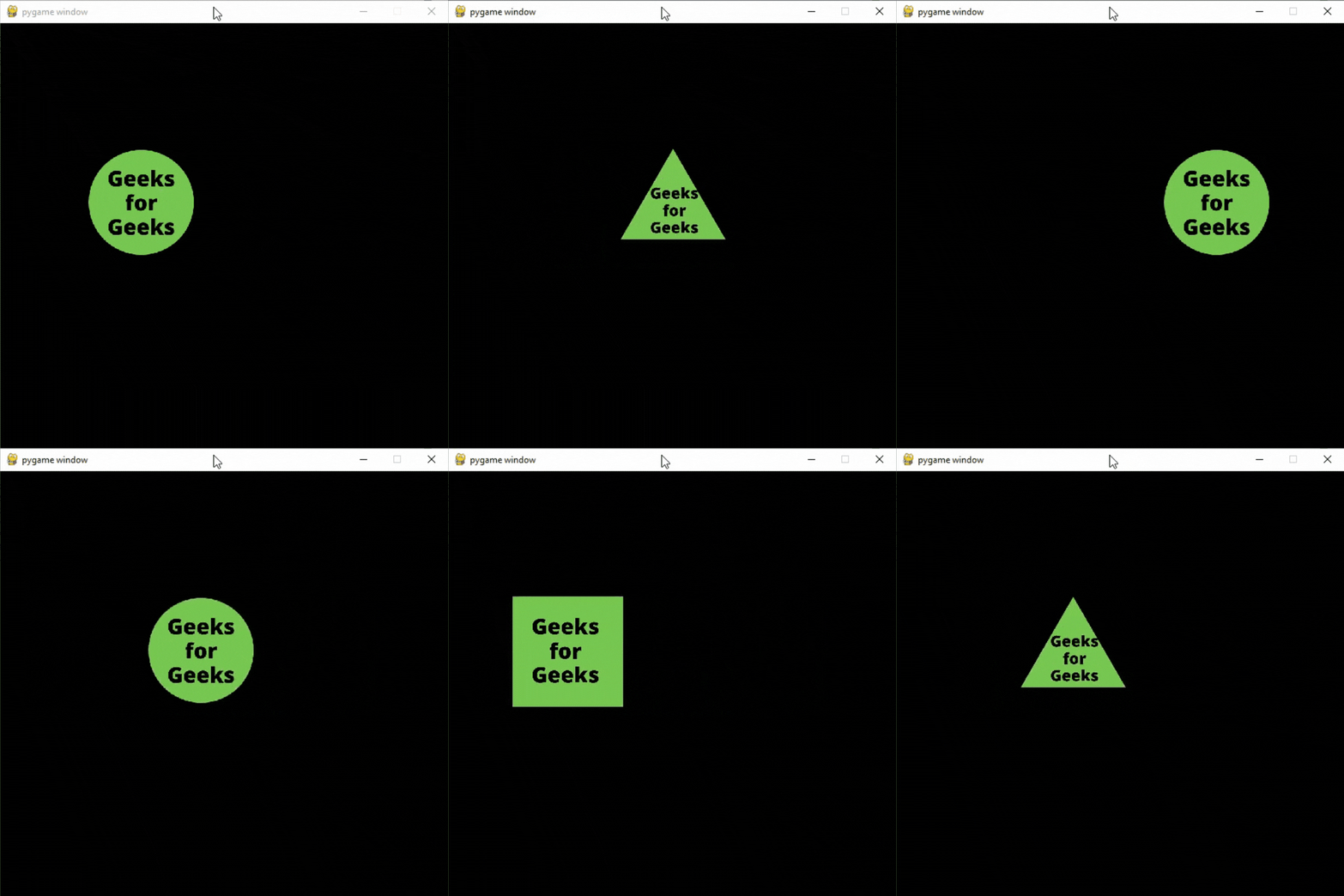
If you only want to show animation when your character is moving or when a user presses a specific button then you can do that by following these steps:
- Create a variable to check if the character is moving or not.
- Create a list of sprites
- If the character is moving then iterate over the list of sprites and display the sprites on the screen.
- If the character is not moving display the sprite stored at the 0th index in the list.
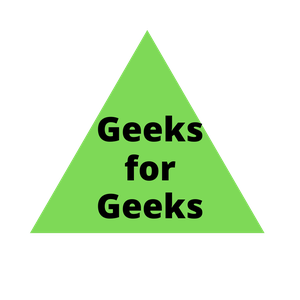
Images Used:
👁 Image
👁 Image
👁 Image
👁 Image
Below is the implementation: