|
VOOZH | about |
|
VOOZH | about |
In this article we will see how we can get resource location in PYGLET module in python. Pyglet is easy to use but powerful library for developing visually rich GUI applications like games, multimedia etc. A window is a "heavyweight" object occupying operating system resources. Windows may appear as floating regions or can be set to fill an entire screen (fullscreen). In order to load a file i.e resource we use resource module of pyglet. This module allows applications to specify a search path for resources. Relative paths are taken to be relative to the application’s __main__ module. Getting the location of a resource is useful for opening files referenced from a resource. For example, an HTML file loaded as a resource might reference some images. These images should be located relative to the HTML file, not looked up individually in the loader’s path.
We can create a window object with the help of command given below
# creating a window
window = pyglet.window.Window(width, height, title)
In order to do this we use location method with the pyglet.resource
Syntax : resource.location(resource_name)
Argument : It takes string i.e resource name as argument
Return : It returns Location object
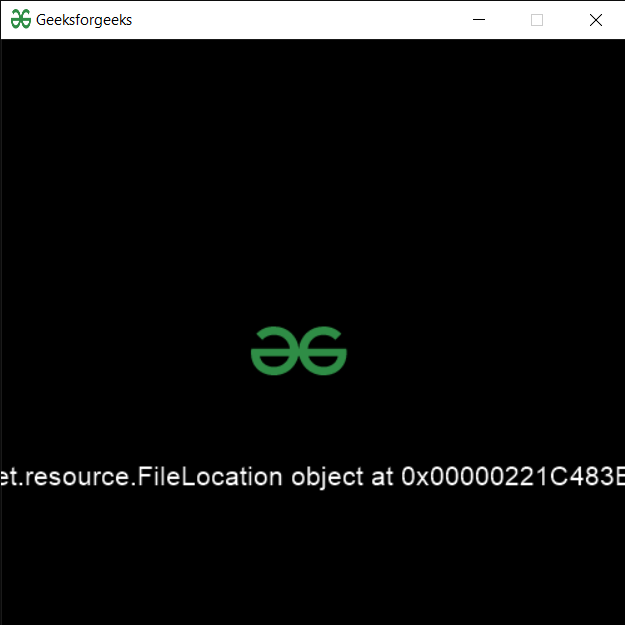
Below is the implementation
Output :