|
VOOZH | about |
|
VOOZH | about |
In this article we will see how we can load a animation in PYGLET module in python. Pyglet is easy to use but powerful library for developing visually rich GUI applications like games, multimedia etc. A window is a "heavyweight" object occupying operating system resources. Windows may appear as floating regions or can be set to fill an entire screen (fullscreen). In order to load a file i.e resource we use resource module of pyglet. This module allows applications to specify a search path for resources. Relative paths are taken to be relative to the application’s __main__ module. Load an animation with optional transformation. Animations loaded from the same source but with different transformations will use the same textures.
We can create a window object with the help of command given below
# creating a window
window = pyglet.window.Window(width, height, title)
In order to create window we use animation method with the pyglet.resource
Syntax : resource.animation(name)
Argument : It takes string as argument
Return : It returns Animation object
Below is the implementation
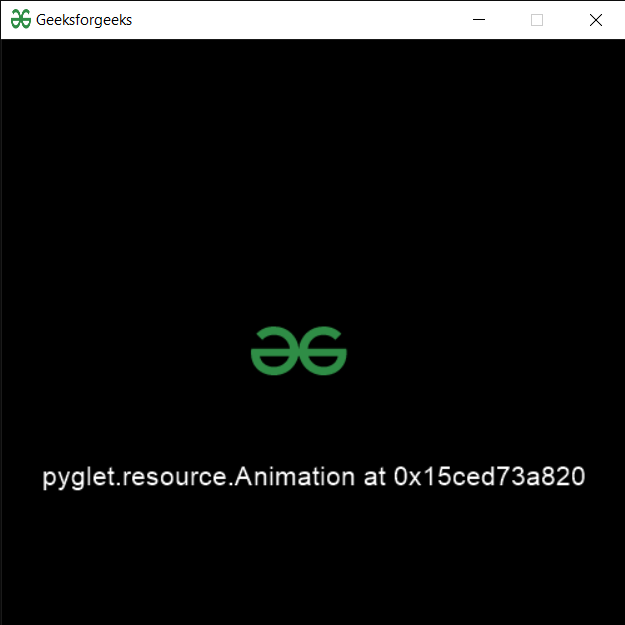
Output :
👁 Image