In this article we will see how we can release the resources of player of PYGLET module in python. Pyglet is easy to use but powerful library for developing visually rich GUI applications like games, multimedia etc. A window is a "heavyweight" object occupying operating system resources. Windows may appear as floating regions or can be set to fill an entire screen (fullscreen). This module allows applications to specify a search path for resources. Pyglet can play WAV files, and if FFmpeg is installed, many other audio and video formats. Playback is handled by the Player class, which reads raw data from Source objects and provides methods for pausing, seeking, adjusting the volume, and so on. Releasing the resources acquired by this player means that the internal audio player and the texture will be deleted with player resources.
We can create a window and player object with the help of commands given below
# creating a window
window = pyglet.window.Window(width, height, title)

# creating a player for media
player = pyglet.media.Player()
In order to do this we use delete play method with the player object
Syntax : player.delete()
Argument : It takes no argument
Return : It returns None
Below is the implementation
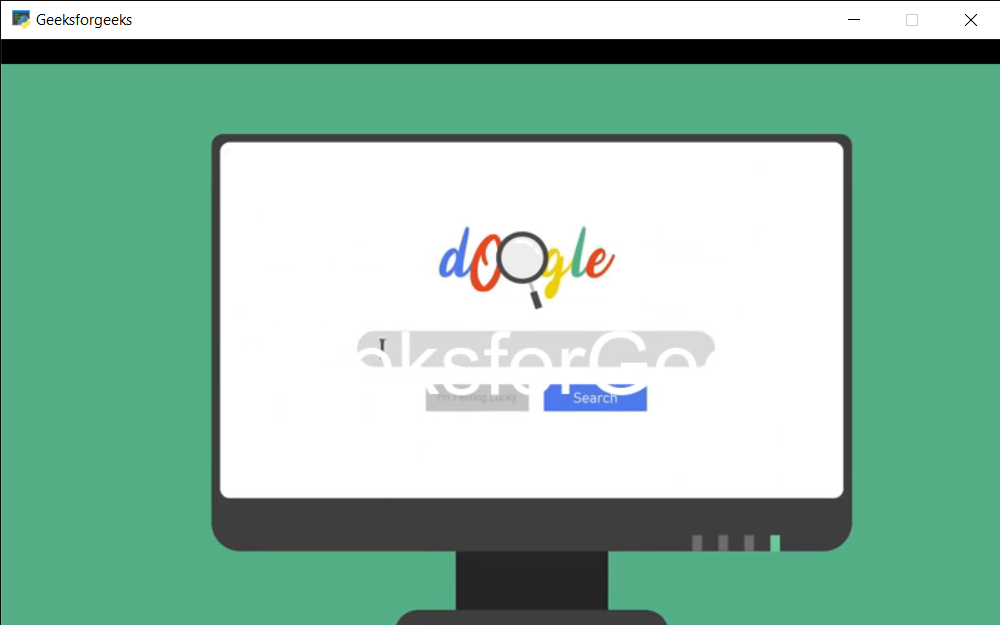
Output :
👁 Image