|
VOOZH | about |
|
VOOZH | about |
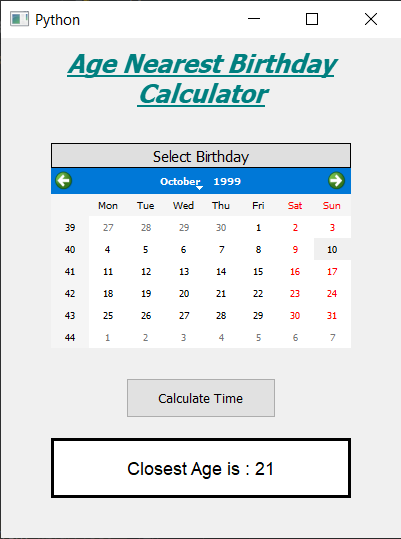
In this article we will see how we can create a age nearest birthday calculator. Age nearest calculator is the calculator which is used to get the age nearest to the birth date. Below is how the age nearest calculator looks like 👁 Image
Concept : We can get the age nearest birthday by getting the difference between the birth date and the present date with the help of python datetime objects will keep count of leap years and we can get the number of days between the dates. Then these days can be divided with the 365.32422 to get the years, then the round value of years will be the age nearest birthday
GUI Implementation Steps : 1. Create a heading label that display the calculator name 2. Create label to show user to select the birth date 3. Create a QCalendarWidget object for user to select the birth date 4. Create a push button to calculate the nearest age 5. Create a label to show the calculated age Back-End Implementation : 1. Make the calendar future date block i.e set current date as maximum date 2. Add action to the push button 3. Inside the push button action get the date from the calendar and the present date 4. Get the day, month and year from both the dates 5. Create a datetime.date object for both the dates 6. Get the difference from both the dates and get the days 7. Divide the days with 365.2422(due to leap year) to get total years 8. Get the round value of the years and show this value through label
Below is the implementation
Output :