|
VOOZH | about |
|
VOOZH | about |
In this article, we will see how we can remove all the spots of the scatter plot graph in the PyQtGraph module. PyQtGraph is a graphics and user interface library for Python that provides functionality commonly required in designing and science applications. Its primary goals are to provide fast, interactive graphics for displaying data (plots, video, etc.). A scatter plot (aka scatter chart, scatter graph) uses dots to represent values for two different numeric variables. It is a type of plot or mathematical diagram using Cartesian coordinates to display values for typically two variables for a set of data. The position of each dot on the horizontal and vertical axis indicates values for an individual data point. Spots are basically points which are plotted in scatter graph, it can be removed at any time.
We can create a plot window and create a scatter plot graph on it with the help of commands given below.
# creating a pyqtgraph plot window
plt = pg.plot()

# creating a scatter plot graph of size = 10
scatter = pg.ScatterPlotItem(size=10)
In order to do this we use clear method with the scatter plot graph object
Syntax : scatter.clear()
Argument : It takes no argument
Return : It returns None
Below is the implementation.
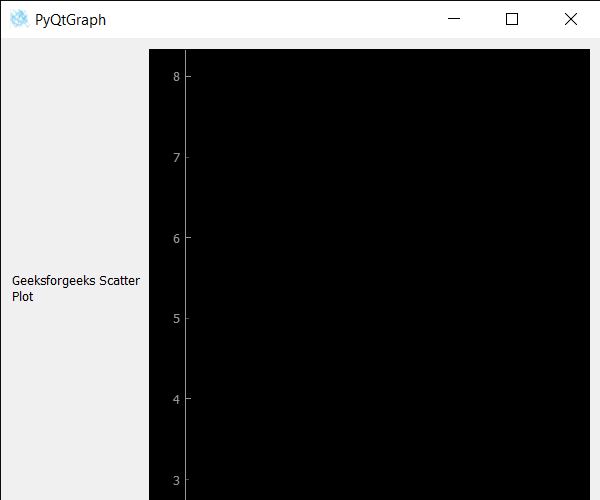
Output:
👁 Image