|
VOOZH | about |
|
VOOZH | about |
In this article, we are going to learn how to create a tooltip. A tooltip is often used to specify extra information about something when the user moves the mouse pointer over an element. In order to make it, we use setToolTip() function which is defined in PySide2.QtWidgets.
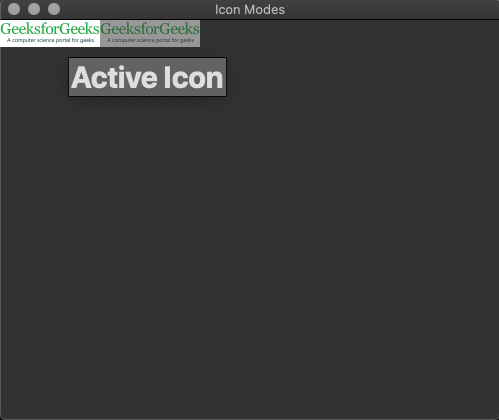
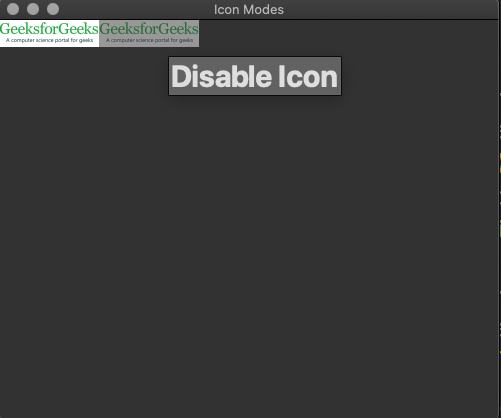
Steps to create tooltip: 1. Import PySide2 Widgets and Gui modules in your code 2. Create window with title and font setting 3. Set tooltip 'Our Main Window' to entire window 4. Set icons in two states active and disable with tooltip as "Active Icon" and "Disable Icon" respectively.Input Image :
👁 ImageOutput Image:
Active State:
👁 ImageDisable State:
👁 Image