|
VOOZH | about |
|
VOOZH | about |
Pytest is an open-source testing framework that has redefined simplicity and efficiency in Python testing. Its popularity hinges on its ability to support simple unit tests and complex functional testing for applications. What sets Pytest apart is its minimalistic syntax and the ability to write test codes using Python's assert statement, making tests readable and maintainable.
Install Pytest using the following command in the terminal:
pip install pytest
Pytest automatically discovers and runs test functions written in a specific format.
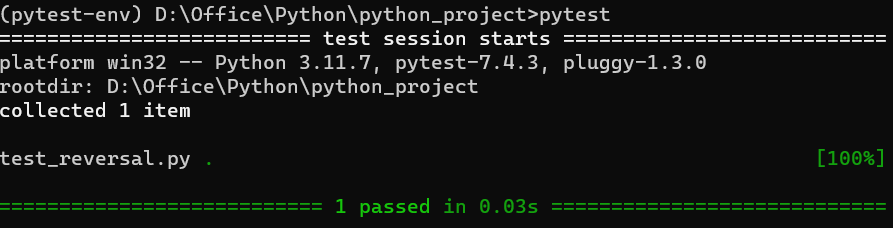
Output: To run the above test we have to execute "pytest" in the terminal and we will get the below output.
Fixtures in pytest are used to provide a fixed baseline upon which tests can reliably and repeatedly execute. Fixtures are reusable components that are used to set up a base state for tests. They are particularly useful for setting up complex objects, connecting to databases or doing any setup that might be needed before your tests can run. They are ideal for:
Example: In below example, we create a fixture named "sample_data" using the "@pytest.fixture" decorator. This fixture function returns a list [1, 2, 3], which is then used in the test function test_sum() to verify that the sum is correct.
In Pytest, while knowing about the importance of creating fixtures it also crucial to know that where to avoid fixtures for the smooth testing.
When dealing with extensive test suites, it's crucial to manage fixtures efficiently:
Consider a scenario where a user enter non-string input in "reverse_text()" function. Now, we refine the above function to raise an exception in such cases and test this behaviour.
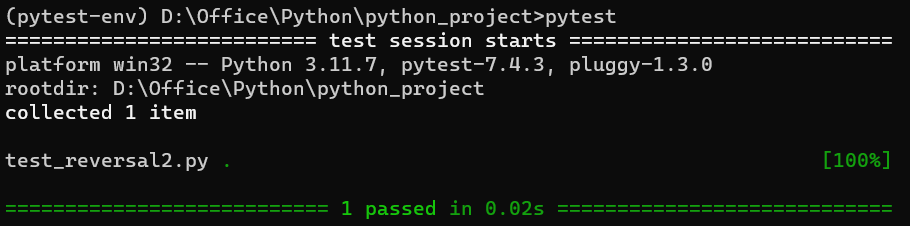
In the below code, Pytest runs the test function "test_reverse_text_not_string()". This test function calls 'reverse_text(1234)'. As '1234' is a number not a string so, 'reverse_text()' raises a "ValueError". The "with pytest.raises(ValueError)" in the test function is expecting this "ValueError", that's why the test passes.
Output:
👁 Screenshot-2023-12-07-120349
For a more complex example, let's create a Calculator class with methods to add, subtract, multiplication and division. We’ll explore how fixtures can manage setup and teardown in testing such scenarios.
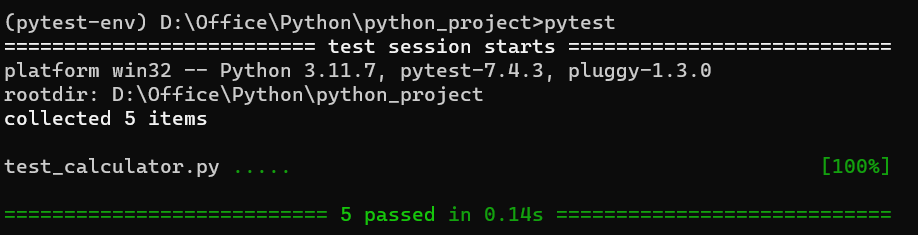
Next, we create the test script using Pytest. In this script we will include tests for each arithmetic operation as written in the below code.
Output:
👁 Screenshot-2023-12-07-123221
Code Explanation: