|
VOOZH | about |
|
VOOZH | about |
In this article, we will learn how to add bullets to a game in Arcade using Python.
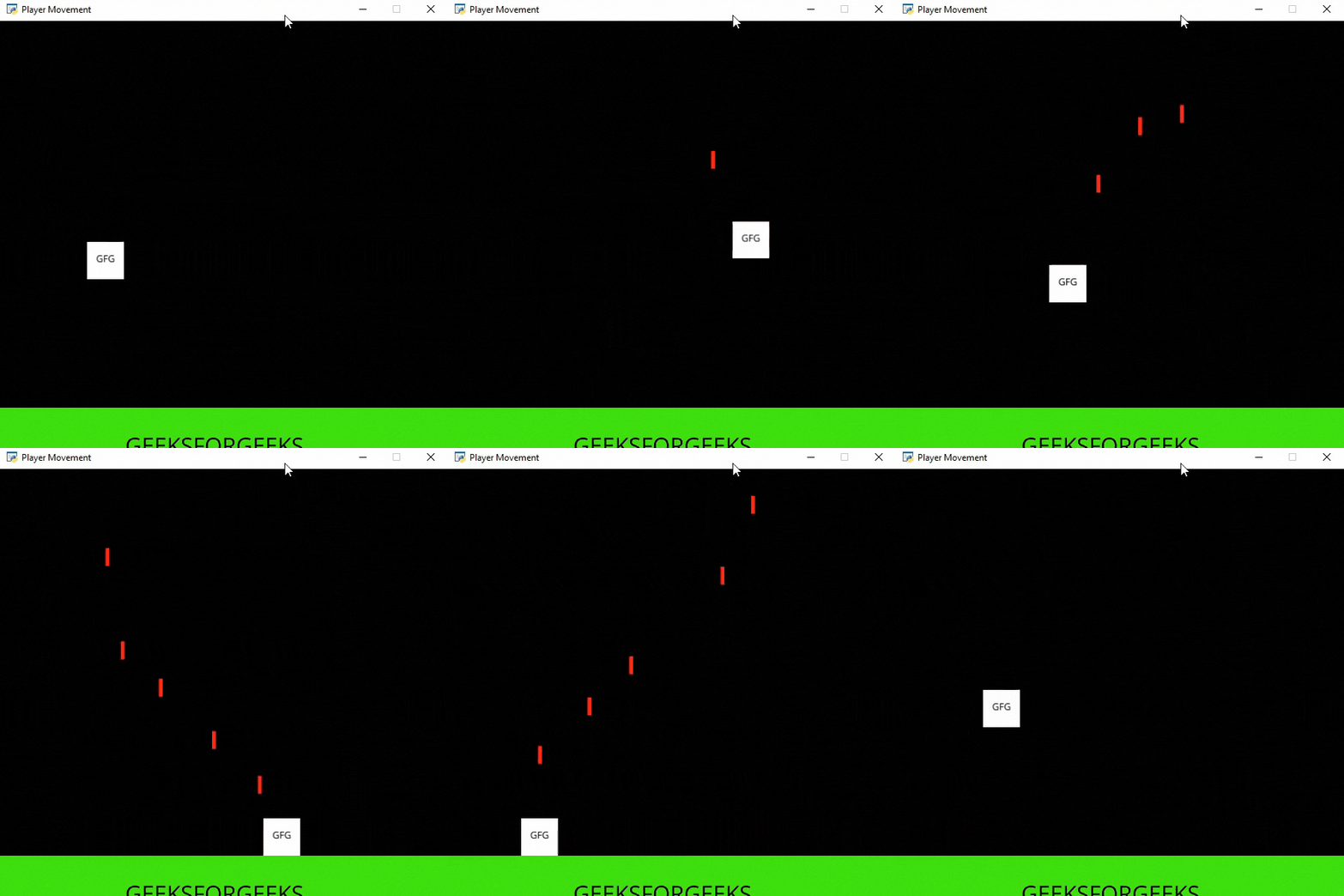
In this example, we are going to add bullets to the screen. For this, we will use some functions:
draw_text(): This function is used to draw text to the screen using Pyglet’s label.
Syntax: arcade.draw_text(text, x, y, color, size, width, align, font_name)
Parameters:
- text: Text we want to display
- x : x coordinate
- y : y coordinate
- color : color of the text
- size : Size of the font
- width : Width of the text
- align : Alignment of the text
- font_name : Name of the font
PhysicsEnginePlatformer(): Simplistic physics engine for use in a platformer.
Syntax: arcade.PhysicsEnginePlatformer( player_sprite , platforms, gravity, ladders)
Parameters:
- player_sprite: sprite of the player
- platforms: The sprites it can’t move through
- gravity: Downward acceleration per frame
- ladders: Ladders the user can climb on
In the below example, we are going to create a MainGame() class. Inside this class first, we are going to initialize some variables for velocity, scene, bullet sprite, and player's sprite then we will create 4 functions inside this class.
Below is the implementation:
Output:
👁 Image