|
VOOZH | about |
|
VOOZH | about |
In this article, we will learn How we can add collisions in arcade games in Python.
You can install the Arcade module using the below command:
pip install arcade
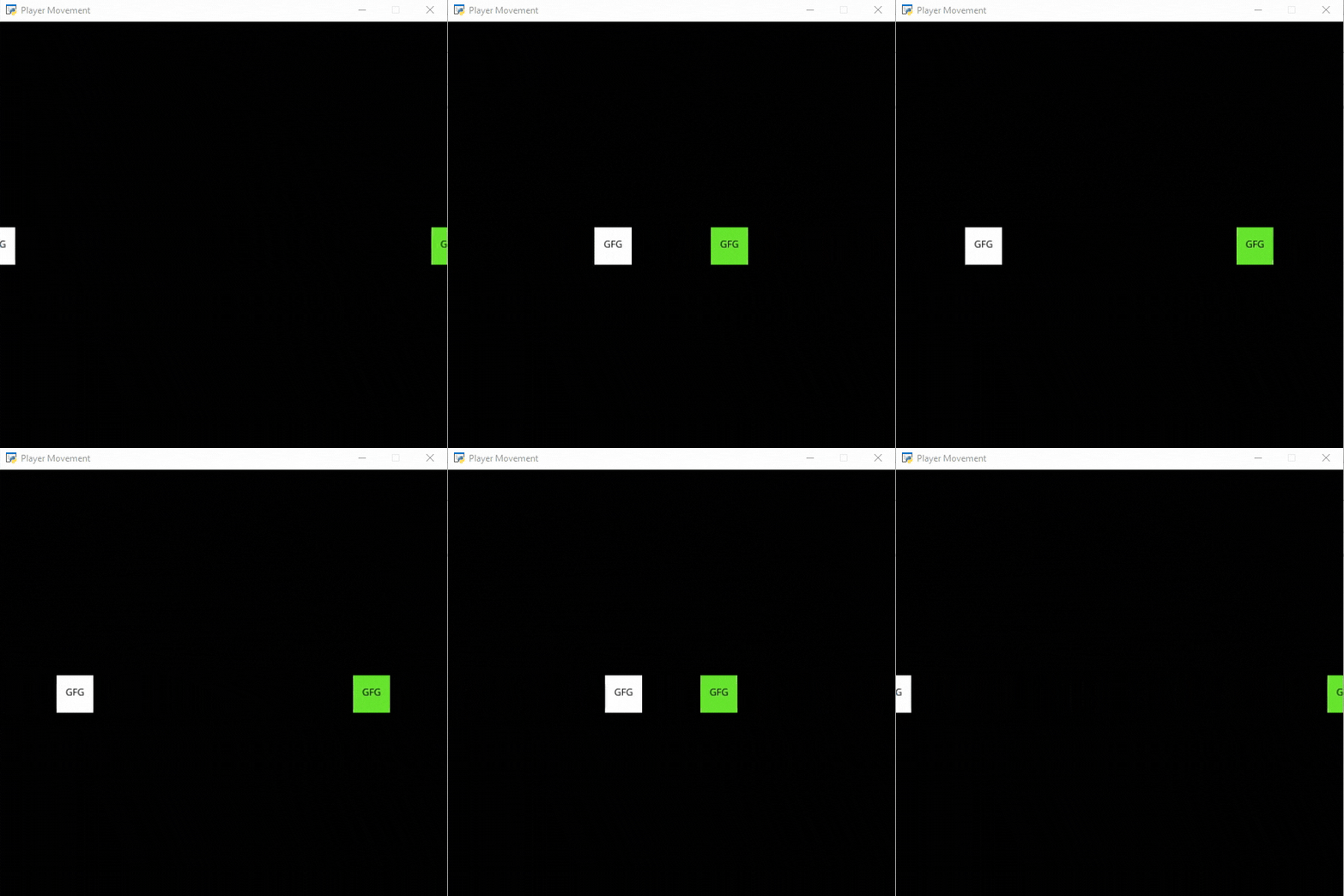
In this example, we are going to use the check_for_collision() function to add collision between 2 sprites.
Syntax: arcade.check_for_collision( sprite1, sprite2)
Parameters:
- sprite1:- First sprite
- sprite2:- Second sprite
Returns: Boolean value
Below is the implementation:
Output:
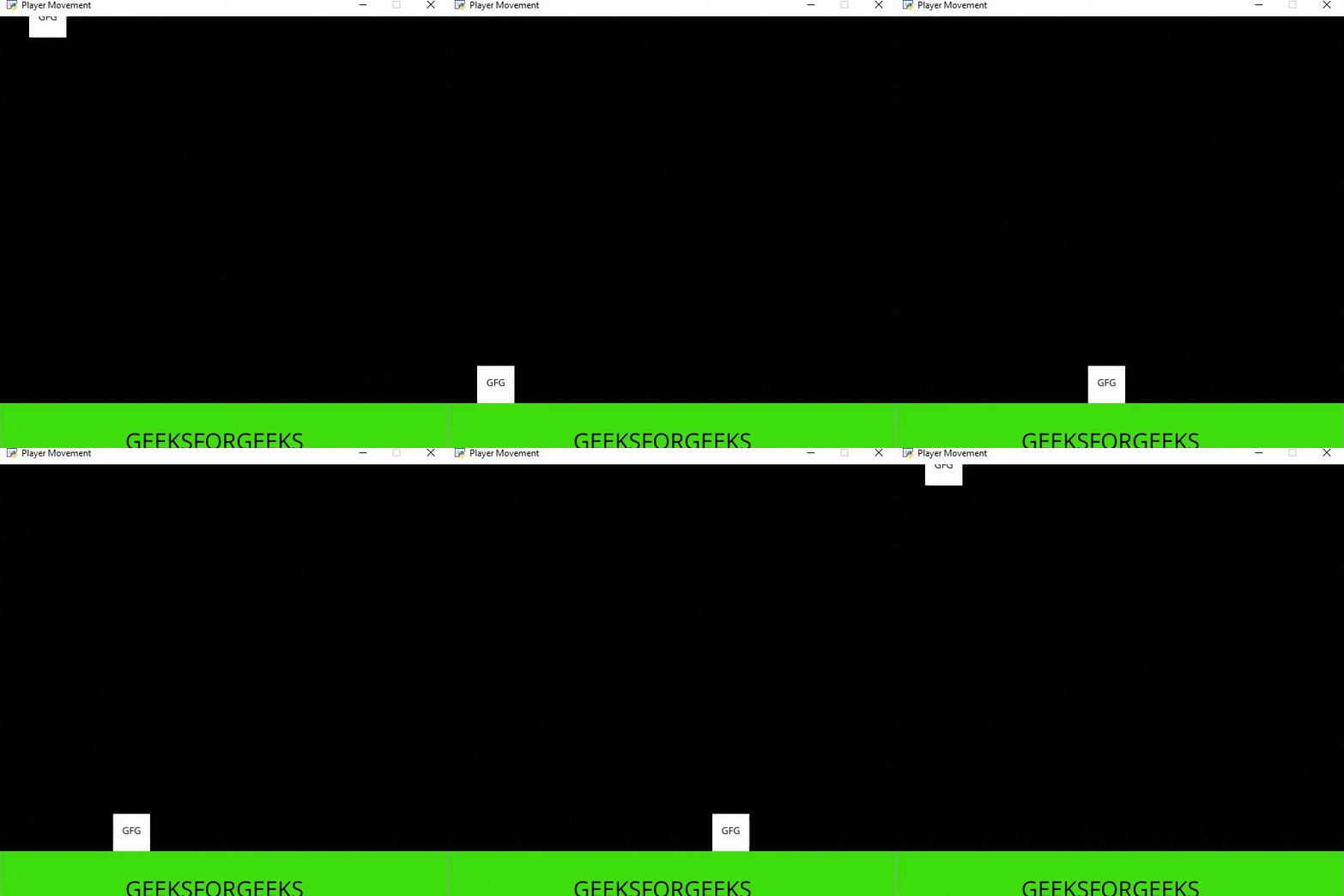
👁 ImageIn this example, we are going to use PhysicsEnginePlatformer() function to add collision between our player and platform.
Syntax: arcade.PhysicsEnginePlatformer(player_sprite, platforms,, gravity, ladders)
Parameters:
- player_sprite:- The player sprite
- platforms:- The platform sprite list
- gravity:- Amount of gravity
- ladders:- Ladders the user can climb on
Below is the implementation: