|
VOOZH | about |
|
VOOZH | about |
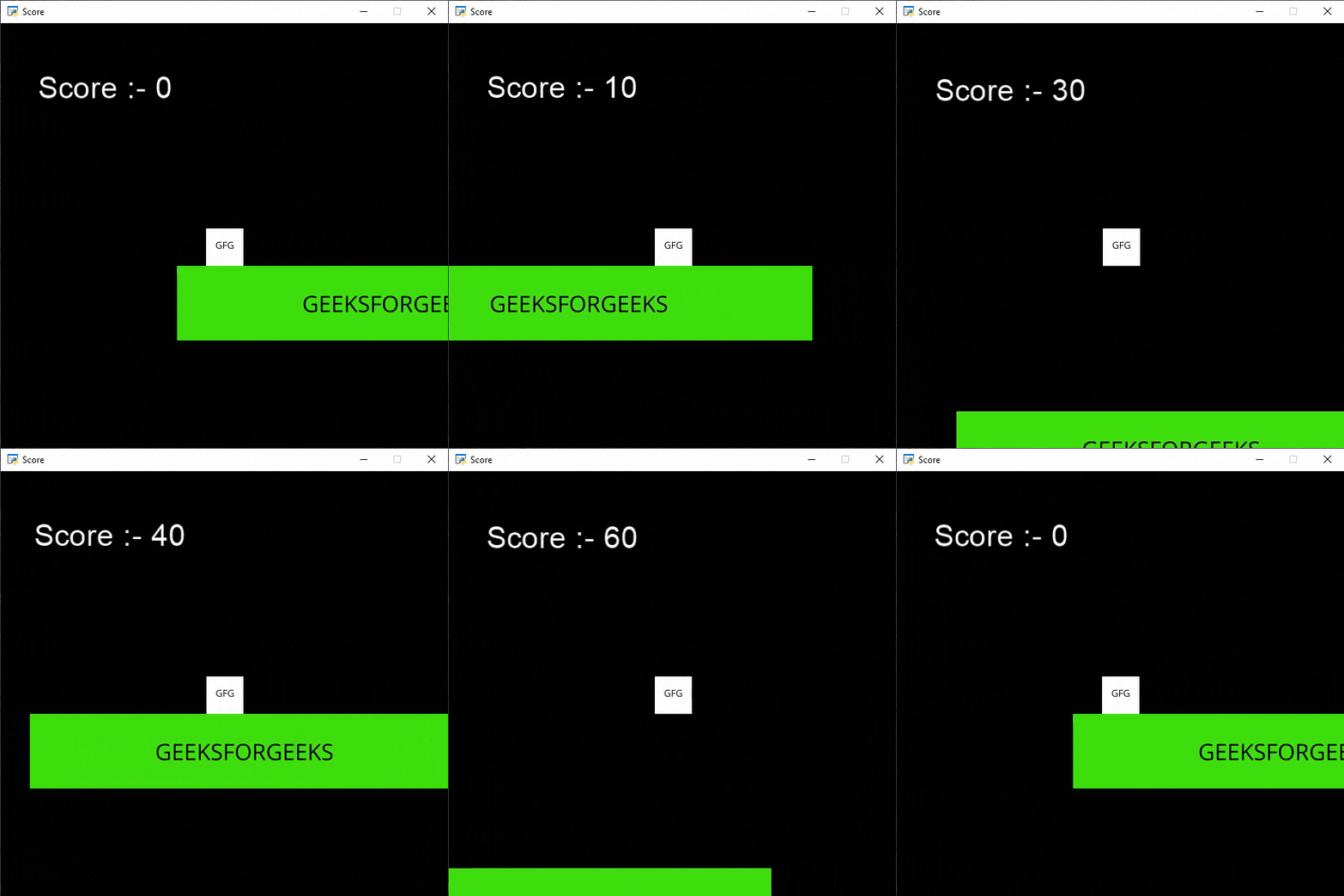
In this article, we will learn how to display scores in Arcade in Python.
In this example, we are going to simply display our score on the screen and we will increase the score every player jumps. For this, we will use some functions:
draw_text(): This function is used to draw text to the screen using Pyglet’s label.
Syntax: arcade.draw_text(text, x, y, color, size, width, align, font_name)
Parameters:
- text: Text we want to display
- x : x coordinate
- y : y coordinate
- color : color of the text
- size : Size of the font
- width : Width of the text
- align : Alignment of the text
- font_name : Name of the font
Camera(): The Camera class is used for controlling the visible viewport.
Syntax: arcade.Camera( width , height, window)
Parameters:
- width: width of the viewport
- height: height of the viewport
- window: Window to associate with this camera
Scene(): A class that represents a scene object.
Syntax: arcade.Scene(sprite_lists , name_mapping)
Parameters:
- sprite_lists: A list of SpriteList objects
- name_mapping: A dictionary of SpriteList objects
PhysicsEnginePlatformer(): Simplistic physics engine for use in a platformer.
Syntax: arcade.PhysicsEnginePlatformer( player_sprite , platforms, gravity, ladders)
Parameters:
- player_sprite: sprite of the player
- platforms: The sprites it can’t move through
- gravity: Downward acceleration per frame
- ladders: Ladders the user can climb on
Sprites Used():
👁 ImageIn the below example, we are going to create a MainGame() class. Inside this class first, we are going to initialize some variables for velocity, camera, score, level, and player's sprite then we will create 6 functions inside this class.
Below is the implementation:
Output:
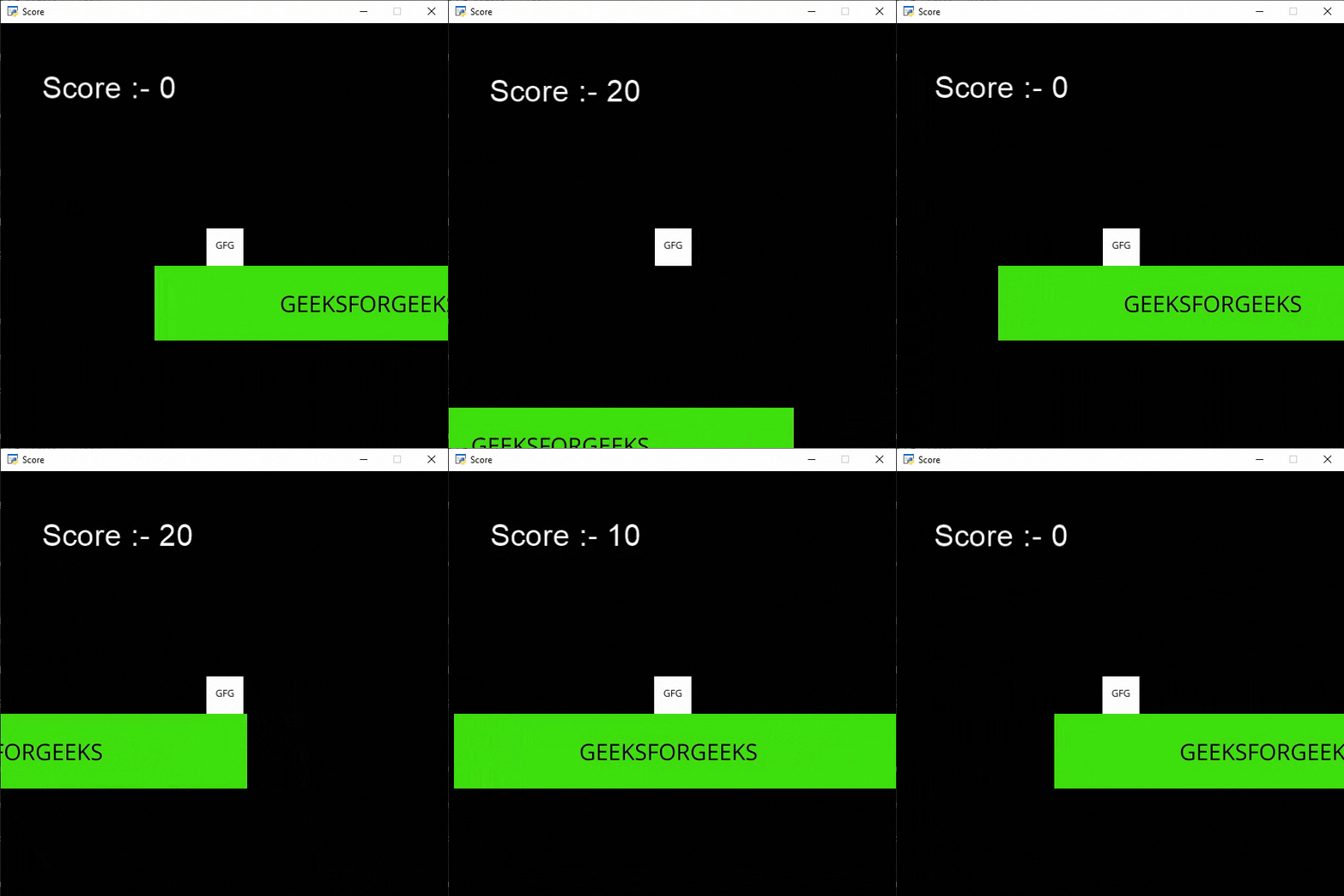
👁 ImageIn this example, we will reset our score to 0 whenever the player falls from the platform and restart the game from starting position. For this, we will simply add the below lines in our on_update() function.
if self.player_sprite.center_y < -20:
 self.score = 0
 self.setup()
If the player falls from the platform then ware setting the value of the score variable to 0 and calling our setup() function to restart the game.
Below is the implementation: