|
VOOZH | about |
|
VOOZH | about |
In this article, we will learn How we can add text to arcade games in Python.
We can add text in the arcade using the draw_text() function.
Syntax: arcade.draw_text(text, x, y, color, size, width, align, font_name)
Parameters:
- text: Text we want to display
- x : x coordinate
- y : y coordinate
- color : color of the text
- size : Size of the font
- width : Width of the text
- align : Alignment of the text
- font_name : Name of the font
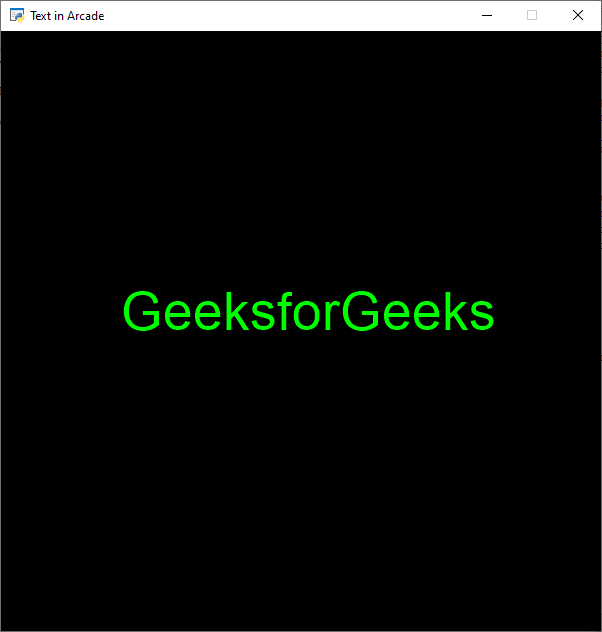
In the below example, we are going to create a class named MainGame, and inside this class, we will create an on_draw() function in which we will do the rendering and drawing of our text. Then we will call our MainGame() class and arcade.run() function.
Below is the implementation:
Output:
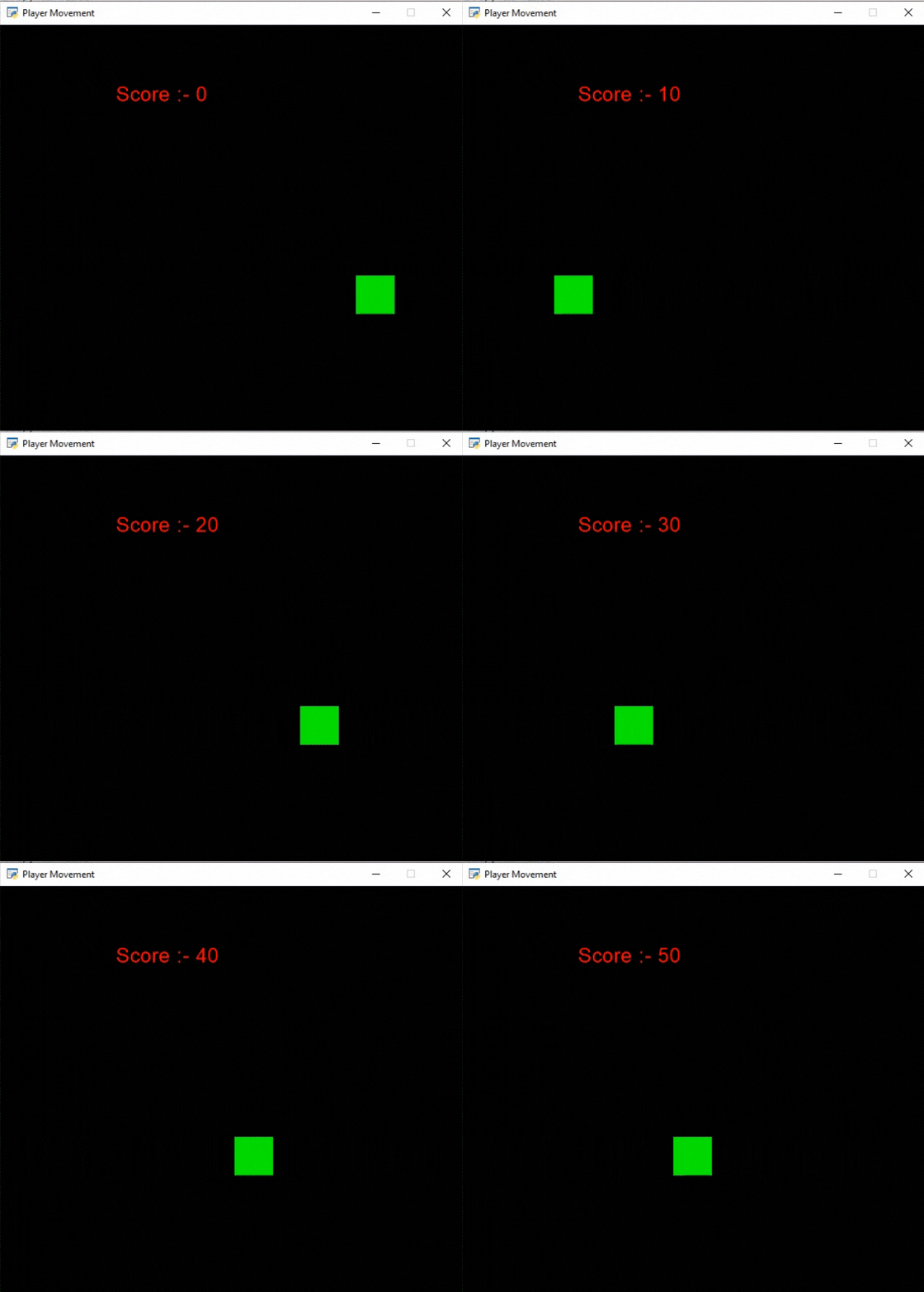
👁 ImageIn this example, we are going to display the score as text and we want to increase the score by 10 points every time the player touches the border of the screen. For this, we are going to initialize some variables for the x and y coordinates, score, and velocity of the player in our MainGame class. After that, we will create 2 functions:
Below is the implementation: