|
VOOZH | about |
|
VOOZH | about |
In this article, we will learn how to play or add audio in our Arcade games using Python.
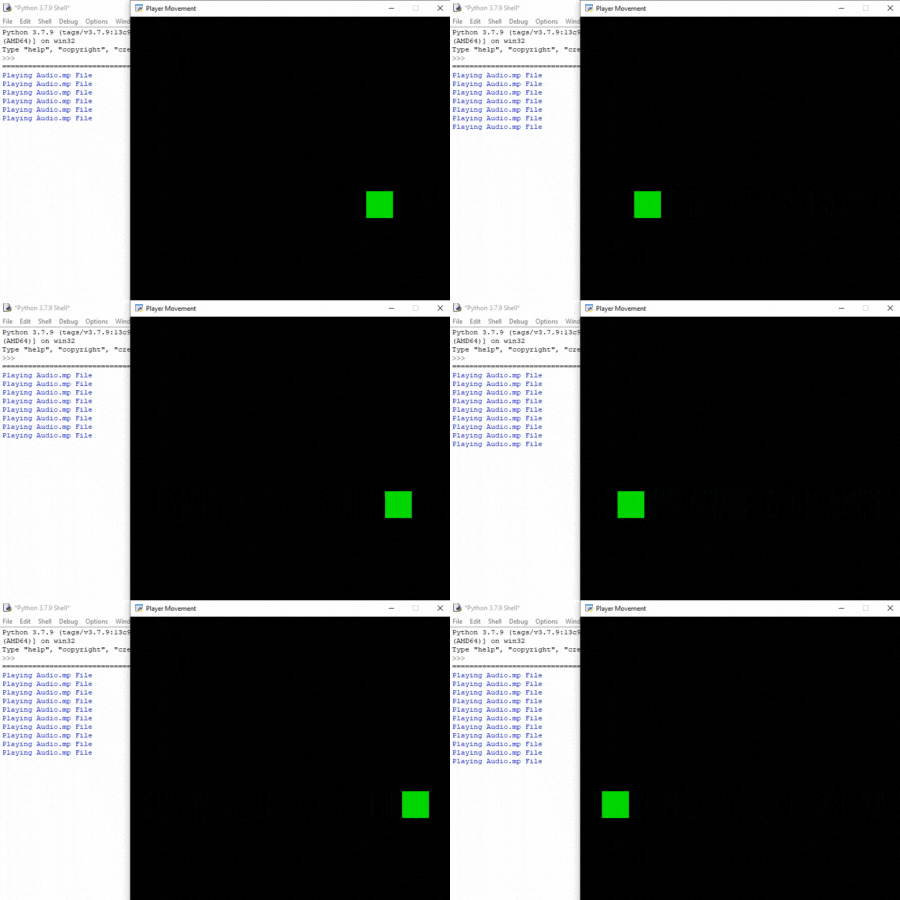
In this example, we want to play our audio whenever the player touches the left or right end of the screen. For this, we are going to use 2 functions of the arcade module.
Syntax: arcade.load_sound(file_path, streaming)
Parameters:
file_path: Name of the sound file to load.
streaming : Boolean for determining if we stream the sound or load it all into memory.
Returns: Sound object which can be used by the play_sound() function.
Syntax: arcade.play_sound(sound, volume, pan, loop)
Parameters:
- sound: Sound loaded by load_sound()
- volume: Volume of the sound
- pan: From which part you want to start the audio (-1= left, 0= center, and 1=right)
In the below example, we are going to create a MainGame() class. Inside this class first, we are going to initialize some variables for velocity, x, and y coordinates of the player then we will create 2 functions inside this class.
Below is the implementation:
Output:
👁 Image