|
VOOZH | about |
|
VOOZH | about |
If we want to unmap any widget from the screen or toplevel then forget() method is used. There are two types of forget method pack_forget() ( similar to forget() ) and grid_forget() which are used with pack() and grid() method respectively.
pack_forget() method -Syntax: widget.pack_forget()
widget can be any valid widget which is visible.
Code #1:
Output:
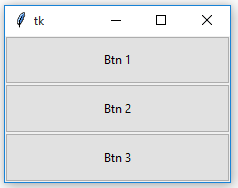
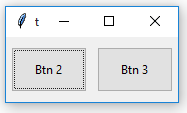
👁 forget_pack() methodAfter forget
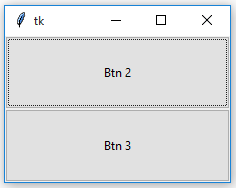
👁 After forgetAfter retrieval
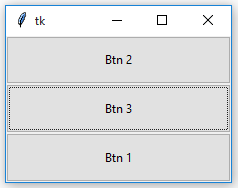
👁 After retrievalNotice
the difference in the position of Button 1 before and after forget as well as after retrieval.
Syntax: widget.grid_forget()
widget can be any valid widget which is visible.
Note :
This method can be used only with grid() geometry methods.
Code #2:
Output:
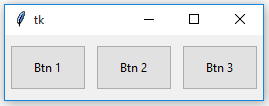
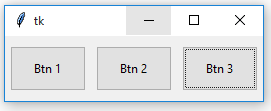
👁 forget_grid() methodAfter Forget
👁 After ForgetAfter Retrieval
👁 After RetrievalNotice that the position of Button 1 remains same after forget and retrieval. With grid_forget() method, you can place it at any grid after retrieval but generally, the original grid is chosen.