|
VOOZH | about |
|
VOOZH | about |
Python, with its simplicity and versatility, has become a favorite among developers for various applications, including game development. Thanks to its rich ecosystem of libraries and frameworks, creating games with Python has never been easier. In this article, we'll delve into some of the top Python game development frameworks and provide an overview of tutorials available for each.
Pygame offers a robust and flexible framework for creating games in Python, making it an excellent choice for both beginners and experienced developers alike. Its rich feature set, cross-platform compatibility, and active community support make it a popular choice for game development projects of all sizes and complexities. Here are some of the key features of Pygame:
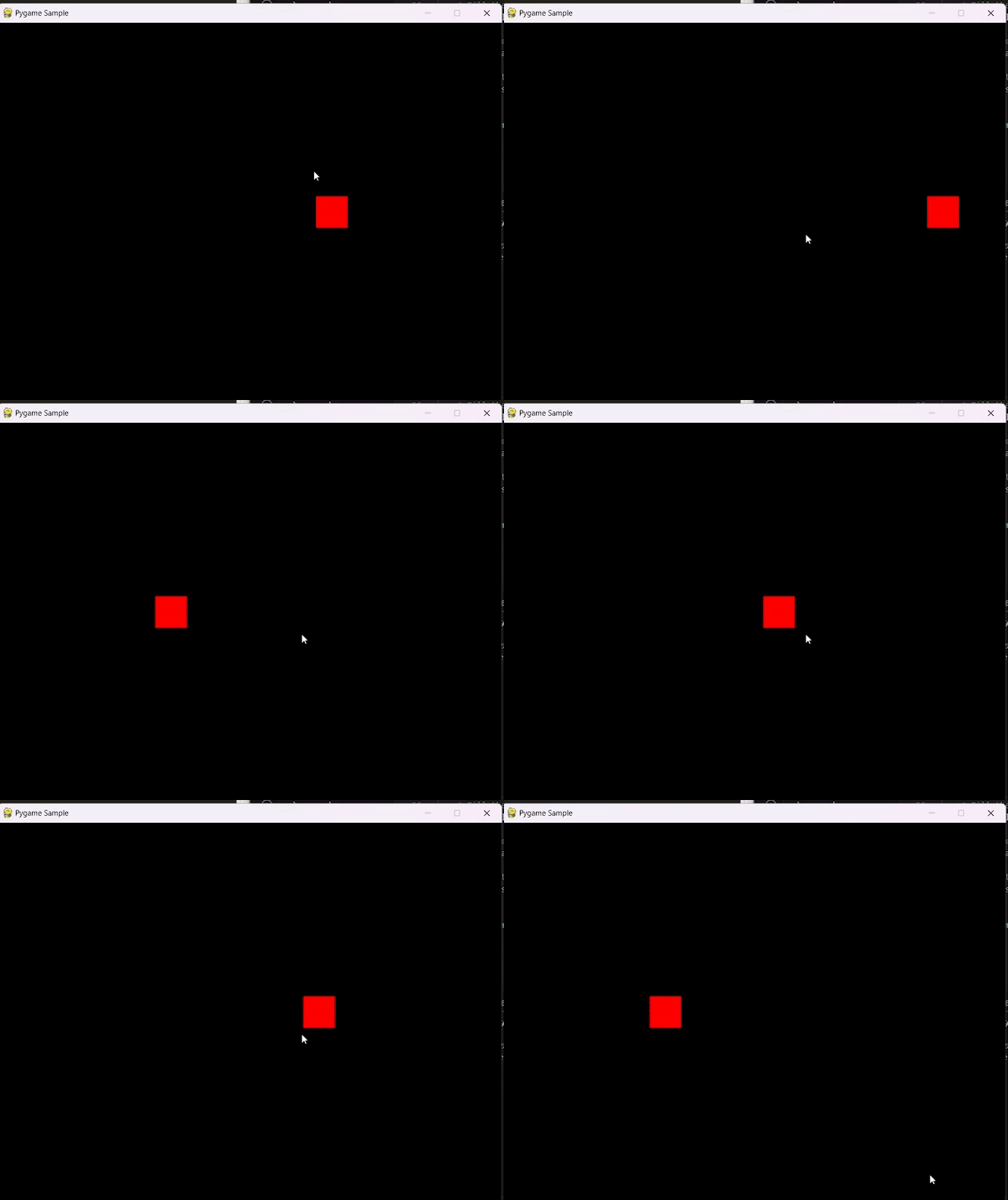
pip install pygame
Output
Pyglet is a lightweight, cross-platform library for creating games and multimedia applications in Python. It focuses on providing an easy-to-use interface for handling graphics, audio, and windowing. Here are some of the key features of Pyglet:
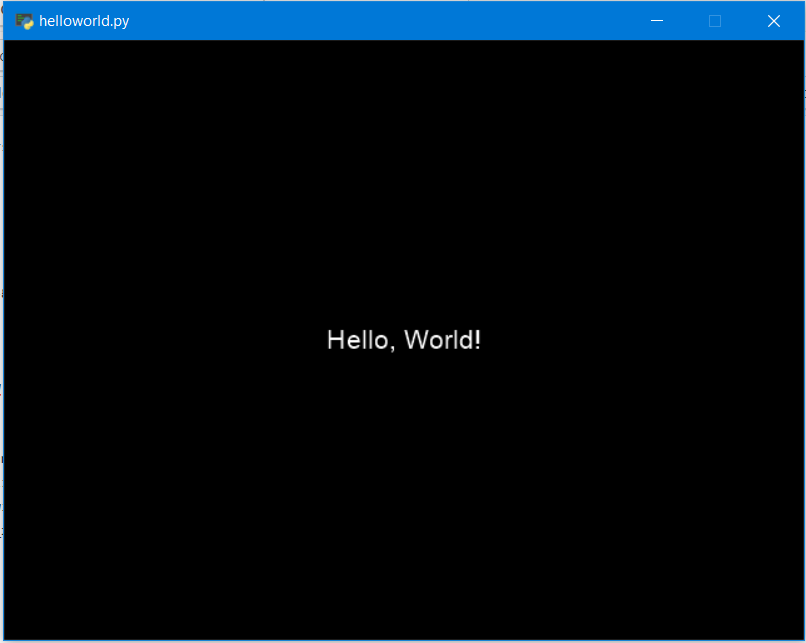
pip install pyglet
Output
Kivy is an open-source Python framework for developing multitouch applications. It's particularly popular for creating applications with innovative user interfaces that run seamlessly across various platforms, including Windows, macOS, Linux, iOS, and Android. What sets Kivy apart is its emphasis on simplicity, flexibility, and ease of use, making it an attractive choice for both beginner and experienced developers. Here are some of the key features of Pyglet:
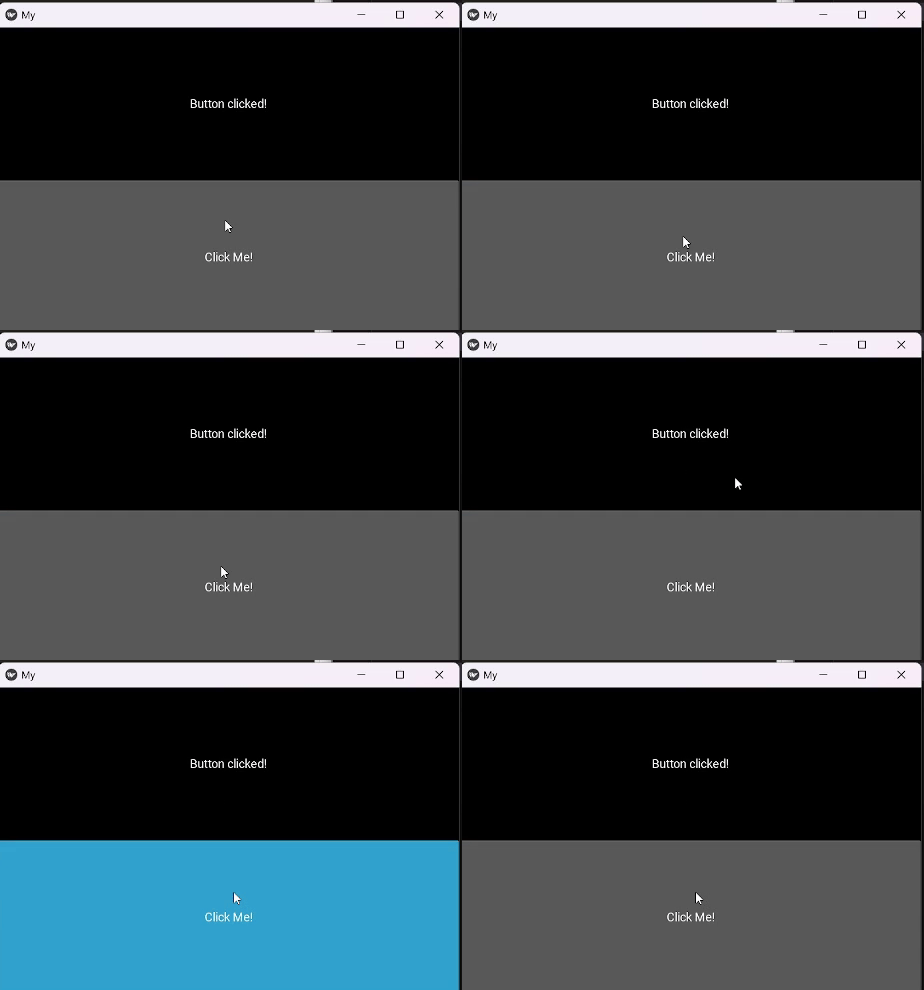
pip install Kivy
Output
Panda3D is a powerful open-source framework for 3D game development in Python. It offers a range of features such as physics simulation, rendering, and audio support, making it suitable for creating immersive gaming experiences. Here are some of the key features of Panda3D:
Output
Note: This is an empty program, it won’t do anything.
In conclusion, Python offers a wide range of frameworks and libraries for game development, catering to developers of all skill levels and preferences. Whether you're interested in creating 2D or 3D games, there's a Python framework out there to suit your needs.