|
VOOZH | about |
|
VOOZH | about |
The grid() method in Tkinter is used to arrange widgets in a window using a row-and-column layout. It places widgets inside a container (such as a window or frame) in a two-dimensional table structure. Each widget is assigned a specific row and column position. The grid size is determined automatically based on the widgets added.
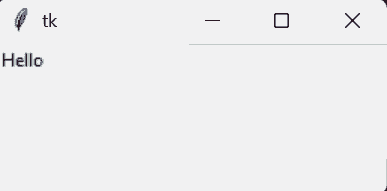
Example: This example creates a window with one label placed using the grid() method.
Output
Explanation: l.grid(row=0, column=0) places the label in the first row and first column of the window.
widget.grid(options)
Common Parameters:
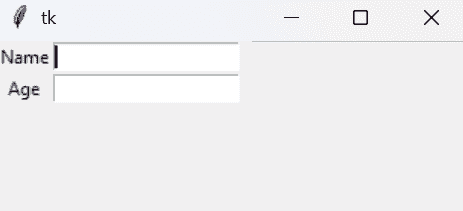
Example 1: This program creates a basic form with labels and entry fields. Each widget is positioned using specific row and column values.
Output
Explanation: Each widget is placed using grid(row=?, column=?), which positions it inside the table layout.
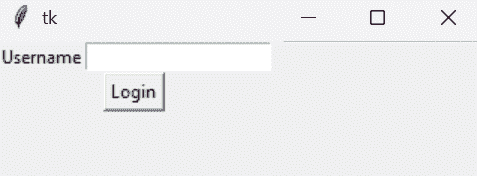
Example 2: This example creates a button that spans across two columns. It shows how to merge grid cells horizontally.
Output
Explanation: columnspan=2 makes the button extend across two columns.
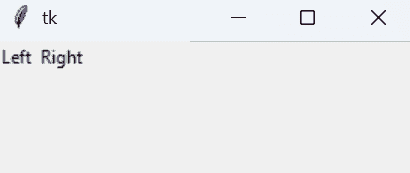
Example 3: This program demonstrates how to align widgets inside their grid cells. It uses the sticky option for alignment control.
Output
Explanation: sticky=W aligns the widget to the left and sticky=E aligns it to the right inside the grid cell.