|
VOOZH | about |
|
VOOZH | about |
OpenCV-Python is a Python library used to solve computer vision tasks. cv2.imread() method loads an image from the specified file. If the image cannot be read because of missing file, improper permissions or an unsupported/invalid format then it returns an empty matrix.
Example:
Output:
Syntax of cv2.imread() Method
cv2.imread(filename, flag)
Parameters:
The cv2.imread() function return a NumPy array if the image is loaded successfully.
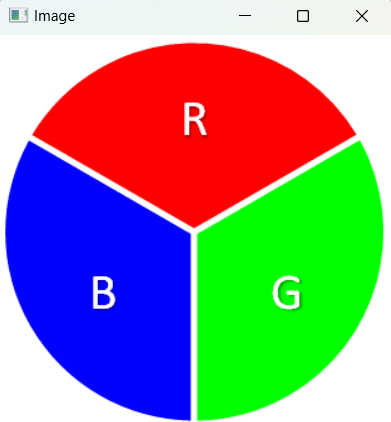
Below is the sample image we will be using:
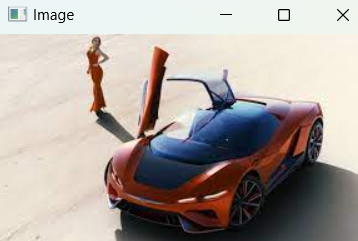
In this example we are reading the image as a color image. We will use cv.imread() function to take the image as an input and cv.imshow() function to display the image.
Output:
Here we can see that by default our image got read and displayed in coloured image.
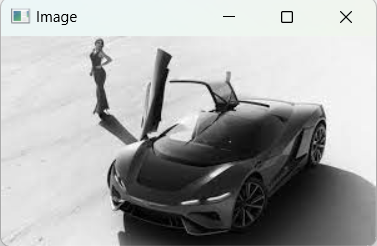
In this example we are reading the image as a greyscale image. Both color and grayscale images are acceptable as input.
Output:
In this example we are reading the image with the transparency channel i.e the alpha channel. It represents the transparency or opacity of an image. It controls how transparent or solid each pixel is with value of 0 indicating full transparency and 255 representing full opacity.
Output:
cv2.imread() method is a fundamental function for reading image files. It loads images into memory allowing us image manipulation and analysis. By specifying the appropriate flag you can control how the image is loaded and used for analysis.