|
VOOZH | about |
|
VOOZH | about |
The cv2.line() method in OpenCV is used to draw straight lines on images or blank canvases. It allows you to specify the start point, end point, color, and thickness, making it useful for annotations, shapes and custom graphics.
Note: For this article we will use a sample image "logo.png", to download click here and make sure to keep the image in same folder as your python script.
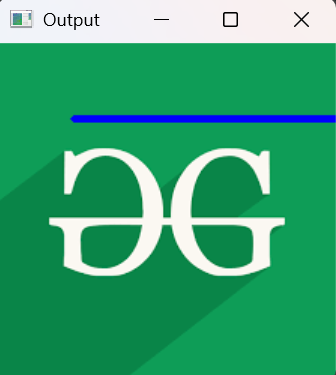
Example: This simple example draws a blue line on an image loaded from disk.
Output
Explanation: cv2.line(img, (50, 50), (250, 50), (255, 0, 0), 3) draws a line from (50, 50) to (250, 50) in blue with thickness 3.
cv2.line(image, start_point, end_point, color, thickness)
Parameters:
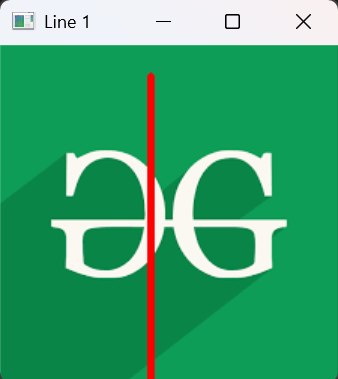
Example 1: This example draws a vertical red line on a loaded image.
Output
Explanation: cv2.line(img, (100, 20), (100, 300), (0, 0, 255), 4) draws a red line from top to bottom.
Example 2: This example draws two lines to form a cross on the image.
Output
Explanation:
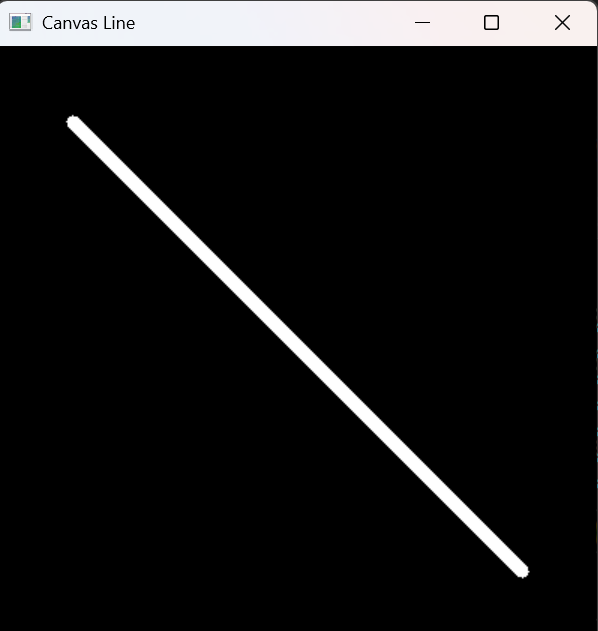
Example 3: This example creates a black canvas and draws a thick white diagonal line.
Output
Explanation: