|
VOOZH | about |
|
VOOZH | about |
cv2.rectangle() function in OpenCV is used to draw a rectangle shape on an image. By specifying starting and ending coordinates, color and thickness, you can highlight or mark specific areas in an image, which is helpful for tasks like annotation, object detection and image processing visualization.
cv2.rectangle(image, start_point, end_point, color, thickness)
Parameters:
Return Value: returns the image with rectangle drawn.
For the examples, we are using below image:
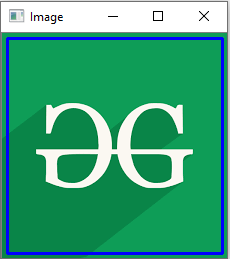
👁 ImageThis code reads an image, draws a blue rectangle on it and displays the modified image in a window.
Output
👁 ImageExplanation:
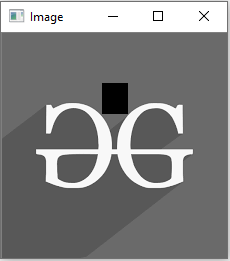
This example reads an image in grayscale and draws a filled black rectangle on it, then displays result in a window.
Output
👁 ex2_outputExplanaton:
Let’s see some common situations where cv2.rectangle() is helpful: