|
VOOZH | about |
|
VOOZH | about |
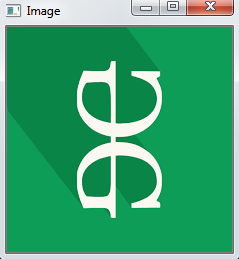
OpenCV-Python is a library of Python bindings designed to solve computer vision problems. cv2.rotate() function is used to rotate images by multiples of 90 degrees. It is a simple and fast way to rotate an image in just one line of code. we use this image:
Example:
Output👁 Image
Explanation:
cv2.rotate(src, rotateCode[, dst])
Parameter:
Parameter | Description |
|---|---|
src | The input image (as a NumPy array). |
rotateCode | An enum value that defines the rotation direction. |
dst(Optional) | The output image (usually ignored, since the function returns the image). |
Returns: This function returns the rotated image.
OpenCV offers constants to rotate images by 90°, 180° or 270° without manual pixel manipulation. Below are the common rotation codes and their meanings:
Constant | Description |
|---|---|
cv2.ROTATE_90_CLOCKWISE | Rotates the image 90 degrees clockwise. |
cv2.ROTATE_180 | Rotates the image 180 degrees. |
cv2.ROTATE_90_COUNTERCLOCKWISE | Rotates the image 90 degrees counterclockwise (i.e., 270° clockwise). |
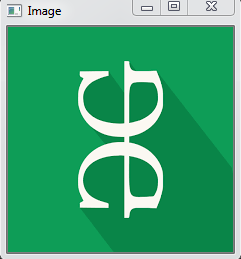
Example 1: In this example, we rotate the image upside down by rotating it 180 degrees.
Output👁 Image
Explanation:
Example 2: In this example, we rotate the image 270 degrees clockwise (which is equivalent to 90 degrees counterclockwise)
Output👁 Image
Explanation: