|
VOOZH | about |
|
VOOZH | about |
Morphological operations are image processing techniques used to modify the shape and structure of objects in an image. In OpenCV, these operations are typically applied to binary images using a kernel and are widely used for tasks such as noise removal, object enhancement, and boundary extraction.
Morphological operations require:
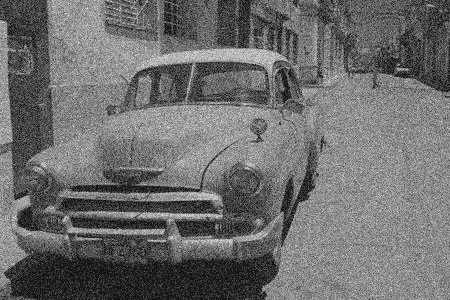
Images used for demonstration:
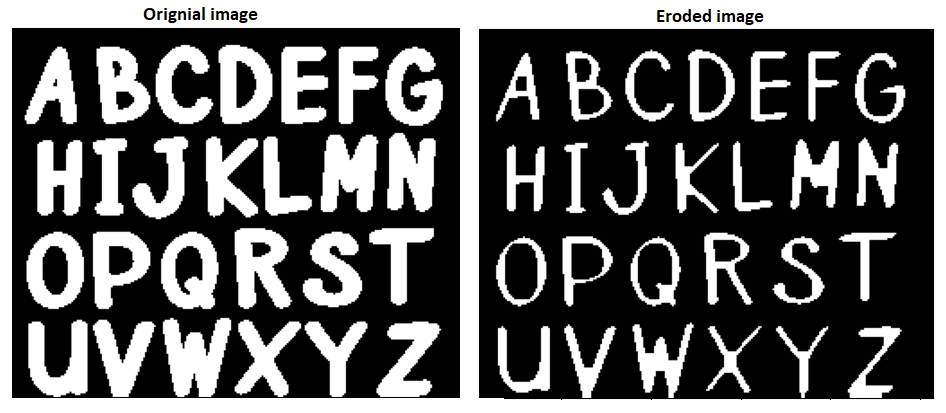
Erosion shrinks the white foreground regions in a binary image. It removes small noise and makes object boundaries thinner by eliminating pixels from the edges of foreground objects.
Code Implementation:
Output:
The output image appears thinner than the original because pixels along the object boundaries are removed.
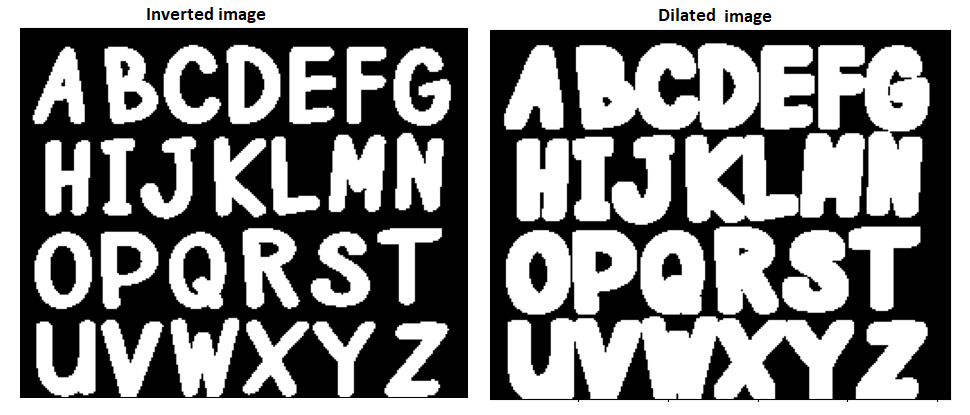
Dilation is a morphological operation that expands the white foreground regions in a binary image. It thickens object boundaries and fills small gaps by adding pixels to the edges of foreground objects.
Code Implementation:
Output:
The output image appears thicker than the original because pixels are added along the object boundaries.
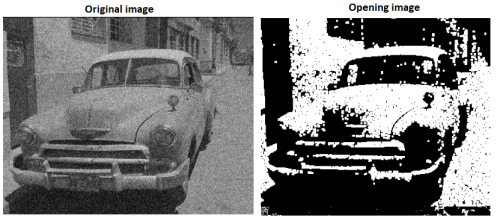
Opening performs erosion followed by dilation on a binary image. It is commonly used to remove small noise and unwanted foreground objects while preserving the overall shape of larger objects.
Code Implementation:
cv2.MORPH_OPEN to perform erosion followed by dilation, removing small foreground noise while preserving larger objects.Output:
The output image contains fewer small foreground noise regions while retaining the main object structures.
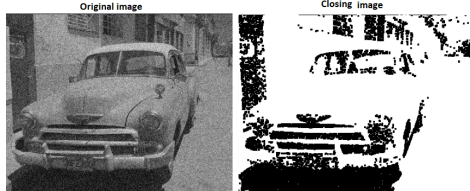
Closing performs dilation followed by erosion on a binary image. It is commonly used to fill small holes, connect nearby objects, and smooth object boundaries while preserving the overall shape of foreground regions.
Code Implementation:
cv2.MORPH_CLOSE to perform dilation followed by erosion, filling small gaps and holes in foreground objects.Output:
The output image has small holes and gaps filled, resulting in smoother and more connected foreground objects.
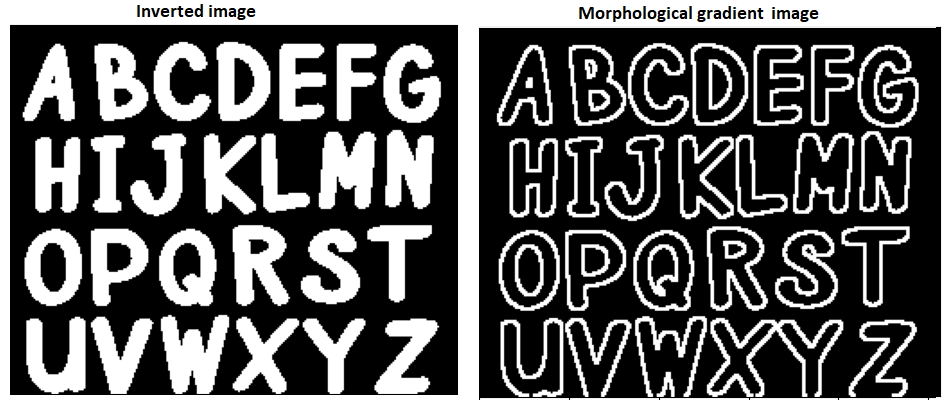
Morphological Gradient highlights the boundaries of foreground objects by calculating the difference between the dilated and eroded versions of an image. It is commonly used for edge and boundary detection.
Code Implementation:
cv2.MORPH_GRADIENT to extract the boundaries of foreground objects.Output:
The output image displays the outlines of foreground objects, making their boundaries more prominent.
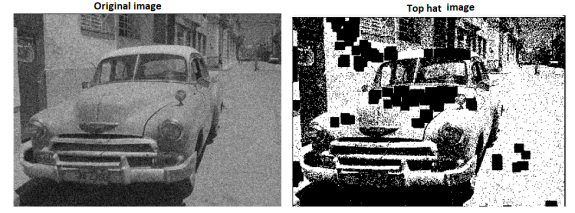
Top Hat extracts small bright regions from an image by calculating the difference between the original image and its opened version. It is commonly used to highlight fine details and bright objects that are smaller than the structuring element.
Code Implementation:
cv2.MORPH_TOPHAT to extract bright regions that are removed during opening.Output:
The output image highlights small bright features while suppressing larger background regions.
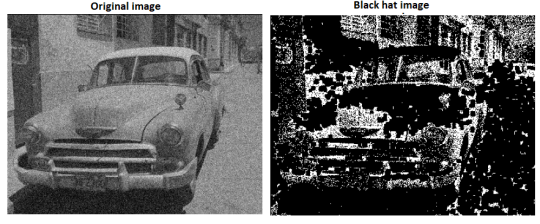
Black Hat highlights small dark regions in an image by calculating the difference between the closed image and the original image. It is commonly used to enhance dark features that appear on a brighter background.
Code Implementation:
cv2.MORPH_BLACKHAT to extract dark regions that are removed during closing.