|
VOOZH | about |
|
VOOZH | about |
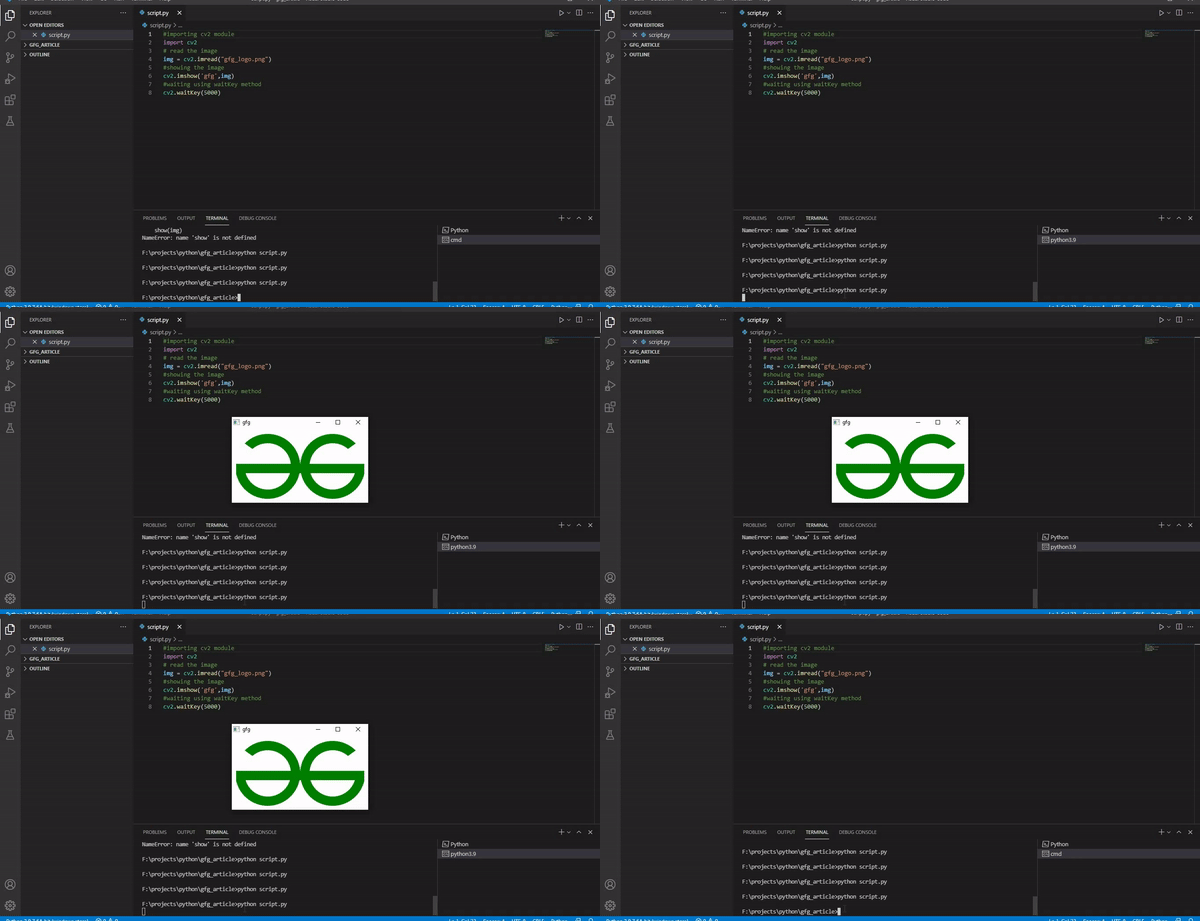
waitkey() function of Python OpenCV allows users to display a window for given milliseconds or until any key is pressed. It takes time in milliseconds as a parameter and waits for the given time to destroy the window, if 0 is passed in the argument it waits till any key is pressed. Example:
Output
👁 ImageExplanation:
cv2.waitKey([delay])
Parameter: delay (Optional) is the time in milliseconds to wait for a key event. If 0, waits indefinitely.
Returns:
Let's clearly understand the use cases of cv2.waitKey() in OpenCV.
1. Wait indefinitely until key press: cv2.waitKey(0) pauses the program until a key is pressed, commonly used when displaying static images to keep the window open until user input.
cv2.waitKey(0)
2. Wait for a key for limited time: cv2.waitKey(milliseconds) waits for the specified time (in ms) and proceeds if no key is pressed and ideal for video playback, animations or slideshows.
cv2.waitKey(1000)
Example 1: This example loads and displays an image using OpenCV and waits indefinitely until the user presses any key.
Output
👁 ImageExplanation:
Example 2: This example plays a video (video.mp4) frame by frame in a loop using OpenCV. It displays each frame in real-time and allows the user to exit the playback by pressing the 'q' key.
Output
Explanation: