|
VOOZH | about |
|
VOOZH | about |
In this article, we will see how to work with images using Pillow in Python. We will discuss basic operations like creating, saving, rotating images. So let's get started discussing in detail but first, let's see how to install pillow.
To install this package type the below command in the terminal.
pip install pillow
You can create a new image using PIL.Image.new() method. This method creates a new image with the given mode and size. Size is given as a (width, height)-tuple, in pixels
Syntax: PIL.Image.new(mode, size, color)
Code:
Output:
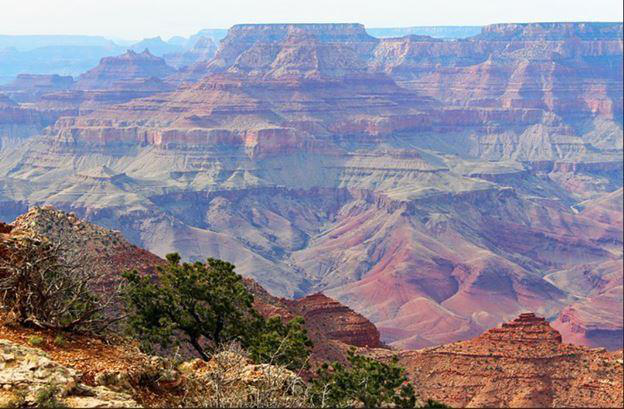
👁 ImageYou can open any image using PIL.Image.open() method.
Syntax: PIL.Image.open(fp, mode=’r’)
Code:
Output:
👁 ImageOutput:
PNG
Output:
(180, 263)
We can change the name, format of the image, and can also rename it using the image.save() method.
Syntax: Image.save(fp, format=None, **params)
Code:
Output:
PIL is the Python Imaging Library which provides the python interpreter with image editing capabilities. PIL.Image.crop() method is used to crop a rectangular portion of any image.
Syntax: PIL.Image.crop(box = None)
Code:
Output:
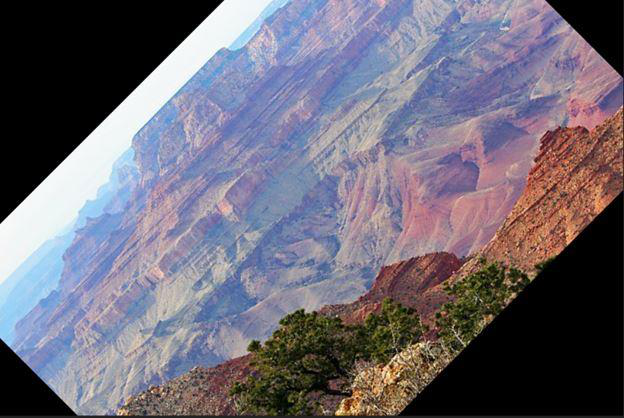
PIL.Image.Image.rotate() method is used to rotate a given image to the given number of degrees counterclockwise around its center.
Syntax: new_object = PIL.Image.Image.rotate(image_object, angle, resample=0, expand=0) OR new_object = image_object.rotate(angle, resample=0, expand=0)
Code:
Output:
The current version of the Pillow library provides the below-mentioned set of predefined image enhancement filters.
The ImageFilter module contains definitions for a pre-defined set of filters, which can be used with the Image.filter() method.
Syntax: Filter(Kernel)
Takes in a kernel (predefined or custom) and each pixel of the image through it (Kernel Convolution).
Code:
Output:
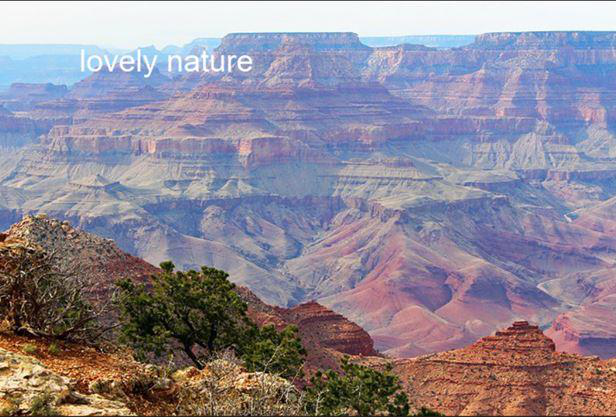
Here, you can create a watermark by using ImageDraw.Draw.text() This method draws the string at the given position.
Syntax: ImageDraw.Draw.text(xy, text, fill=None, font=None, anchor=None, spacing=0, align=”left”)
Code: