VOOZH about

URL: https://www.geeksforgeeks.org/python/python-play-video-reverse-mode-using-opencv/

⇱ Play a video in reverse mode using OpenCV-Python - GeeksforGeeks


  • Courses
  • Tutorials
  • Interview Prep

Play a video in reverse mode using OpenCV-Python

Last Updated : 11 Aug, 2025

Playing a video in reverse is useful for analyzing motion backwards, creating special effects or debugging frame sequences. With OpenCV in Python, frames can be read, stored and displayed in reverse order, enabling offline analysis, reverse playback and creative motion effects.

Objective

We will take a video as input and play it in reverse by:

  • Breaking it into frames.
  • Storing the frames in a list.
  • Reversing the list using Python’s reverse() method.
  • Displaying the frames sequentially to simulate reverse playback.

Python Implementation

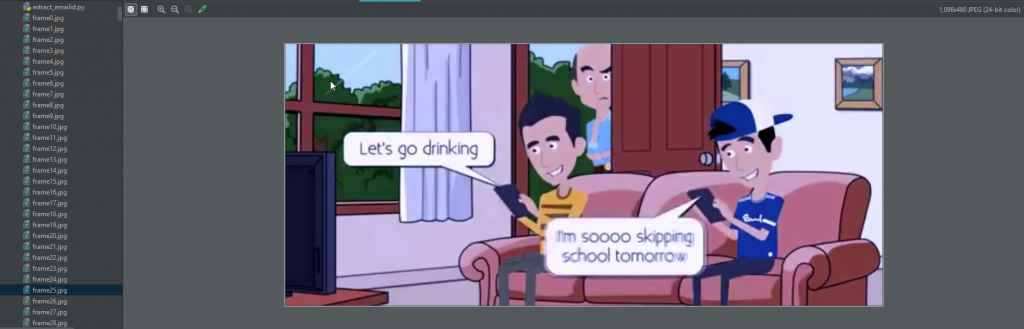
Output: 

👁 Image
Comment
Article Tags: