|
VOOZH | about |
|
VOOZH | about |
In this article, we will discuss how to export plotly graphs as static images using Python.
To get the job done there are certain additional installations that need to be done. Apart from plotly, orca and psutil have to be installed.
pip install psutil
conda install -c plotly plotly-orca psutil
Once all installations are successful, we have to import plotly.io when importing other required modules and use, write_image() function to save the output plot.
Syntax:
write_image(figure, path)
Parameter:
Plotly images can be made static if they are exported either as images or in vector format. The only difference is specifying the format while importing.
Example:
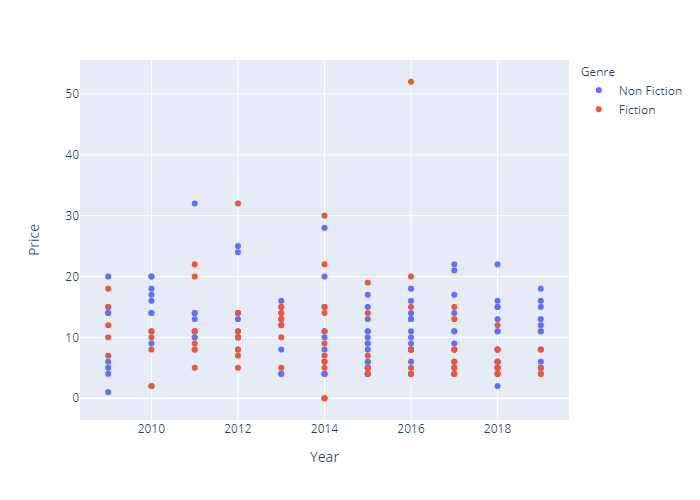
In this example, we export a plotly graph as an image in python.
Dataset used here: bestsellers.csv
Output:
👁 ImageExample: In this example, we export plotly graph as a vector image in python.