|
VOOZH | about |
|
VOOZH | about |
In this article, we will learn how we can automate refreshing an Excel Spreadsheet using Python.
So to open the Excel application and workbooks we are going to use the pywin32 module. You can install the module using the below code:
pip install pywin32
Then we are going to open the Excel application using the win32com.client.Dispatch() method and workbooks using the Workbooks.open() method.
Syntax: File.Workbooks.open(PATH_OF_FILE)
Parameters: It will take the path of the excel file as its parameter.
And then use refresh the file using RefershAll():
Workbook.RefreshAll()
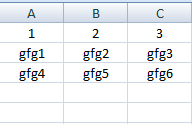
For this example, we created an excel file named "Book1" with the below content:
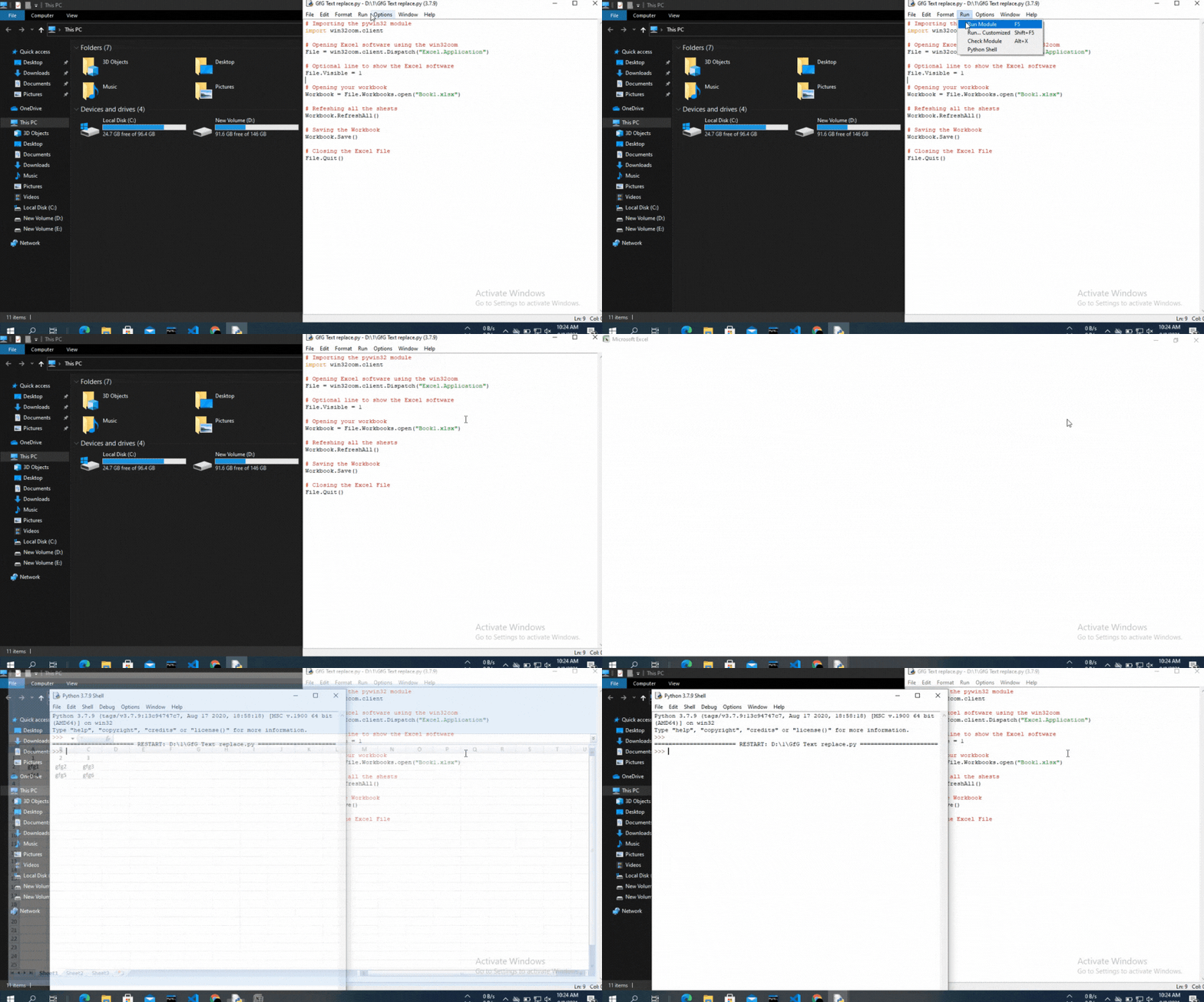
👁 ImageBelow is the implementation:
Output:
👁 Image