As we know Python is a cool scripting language and can be used to write scripts to easify day-to-day task. Also, since python has large community support and lots of module/API available, it makes Python more versatile and popular among users.
In this article, we will see how to use Twilio API to send SMS using Python. It will be a very quick and easy guide to doing this very interesting task.
Firstly, we need to create an account in
Twilio's official website to get the
id and
token. This is a paid service, but you will be credited with an initial amount to get you started.
Steps to create Twilio account:
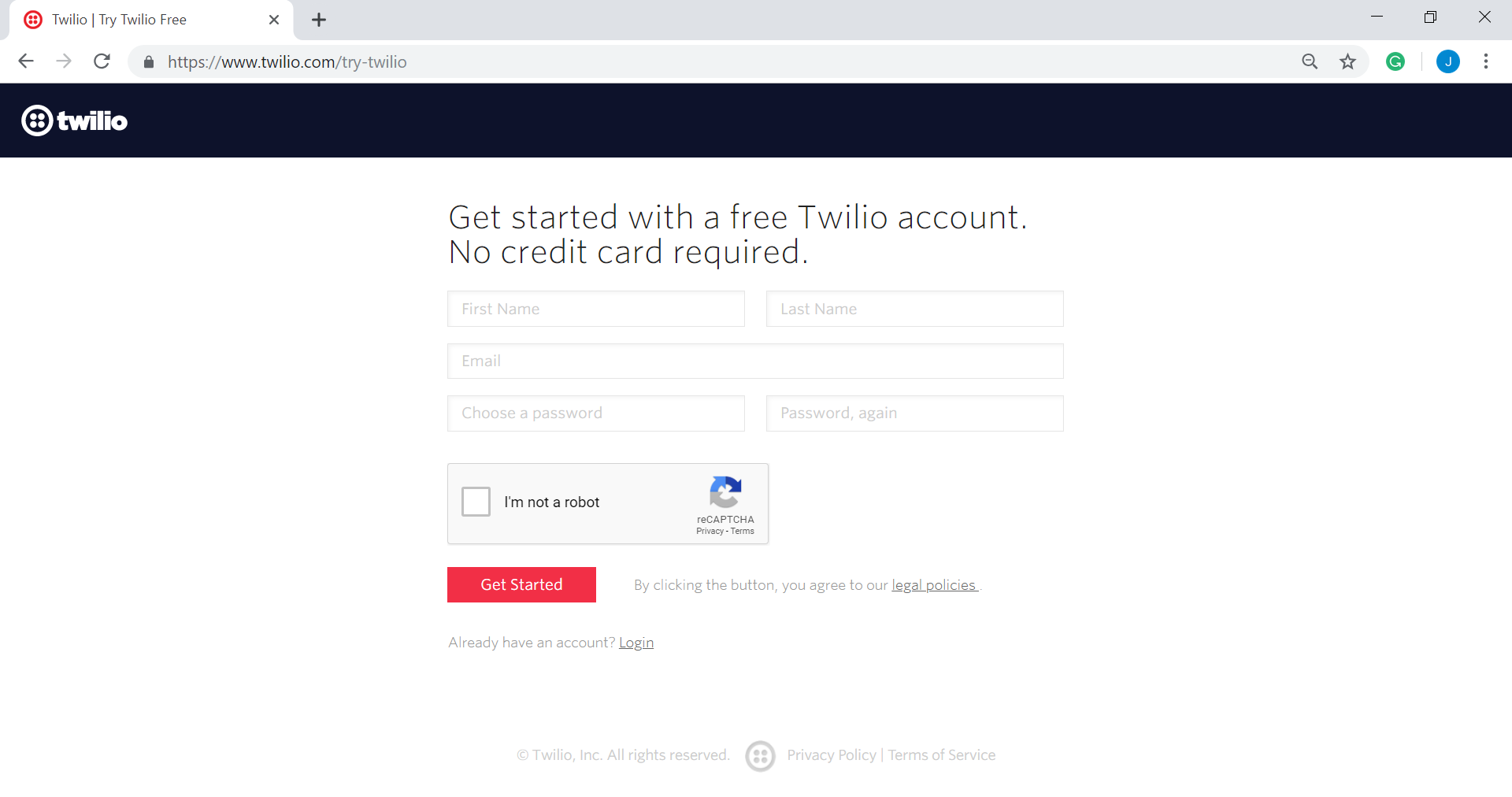
Head to Twilio's registration page. Complete the registration by filling in with the required details.
👁 Twilio registration page
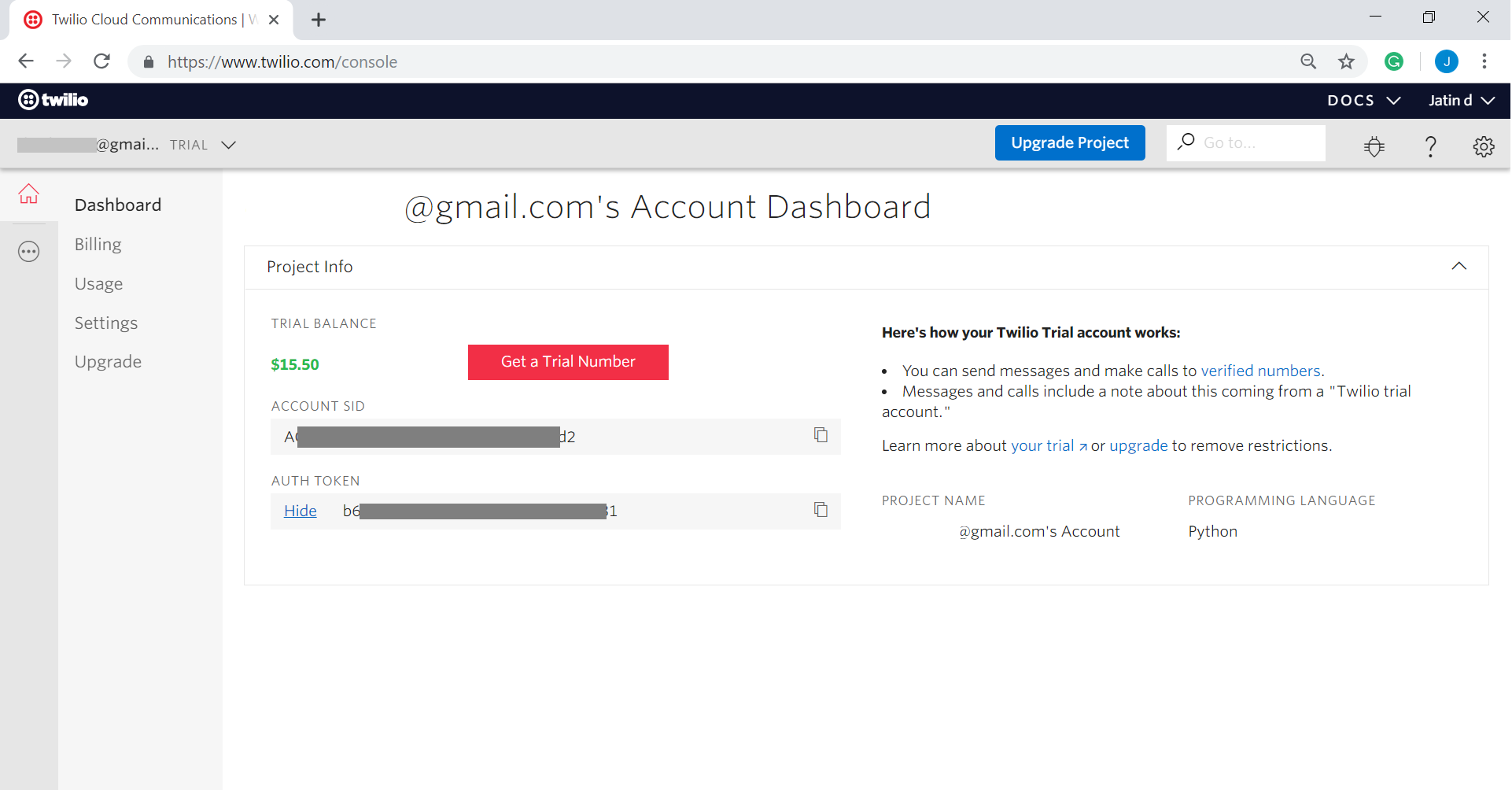
From the console(dashboard), copy the ACCOUNT SID and AUTH TOKEN.
👁 Twilio console
Install
Twilio library using pip.
pip install twilio
👁 Image
Below is the Python implementation:
In the above code, just replace the values of
account_sid and
auth_token with the values you receive from Twilio. Also, replace the body with the message which you want to send and bingo!
Exercise:
Extract emails from your account and forward the subject and receivers mail address as a text message to your mobile phone. You can even filter it by limiting it to forward only important mails.