|
VOOZH | about |
|
VOOZH | about |
Where clause is used in order to make our search results more specific, using the where clause in SQL/SQLite we can go ahead and specify specific conditions that have to be met when retrieving data from the database.
If we want to retrieve, update or delete a particular set of data we can use the where clause. If we don't have condition matching values in your database tables we probably didn't get anything returned.
WHERE Clause in SQL:
Syntax:
SELECT column_1, column_2,…,column_N
FROM table_name
WHERE [search_condition]
Here, in this [search_condition] you can use comparison or logical operators to specify conditions.
For example: = , > , < , != , LIKE, NOT, etc.
In Python SQLite Cursor object/class which contains all the methods to execute SQL queries to perform operations, etc. The Cursor is the method of connection class that returns a cursor object.
Therefore, to perform SQLite commands in python we need 3 basic things to be done −
We'll create a database to manage data about students. We'll be storing information about each student, and then we'll also create a way to retrieve, update and delete data of students using the where clause.
Let's Creates Database (geekforgeeks_student.db) and a Table (STUDENT).
Output:
Database Created Successfully!The above code will create "geekforgeeks_student.db" file locally.
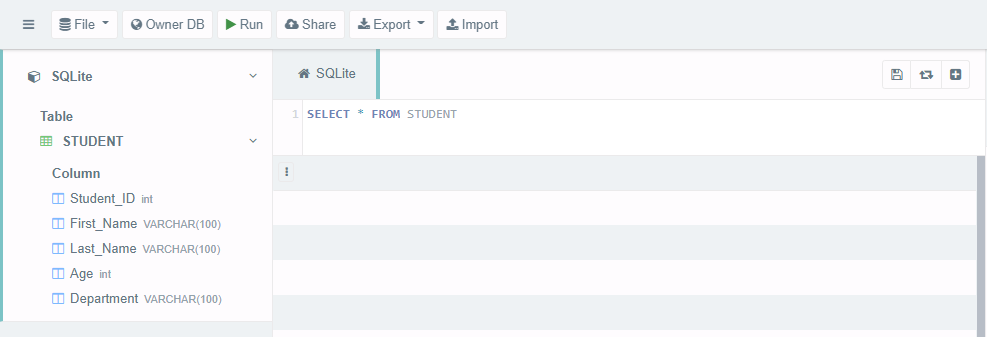
👁 ImageTo view the content of the "geekforgeeks_student.db" we can use this and load our .db file as shown below -
👁 ImageIn the above image, we can see the table and table schema has been created in the database.
Now we will insert data into STUDENT table.
Output:
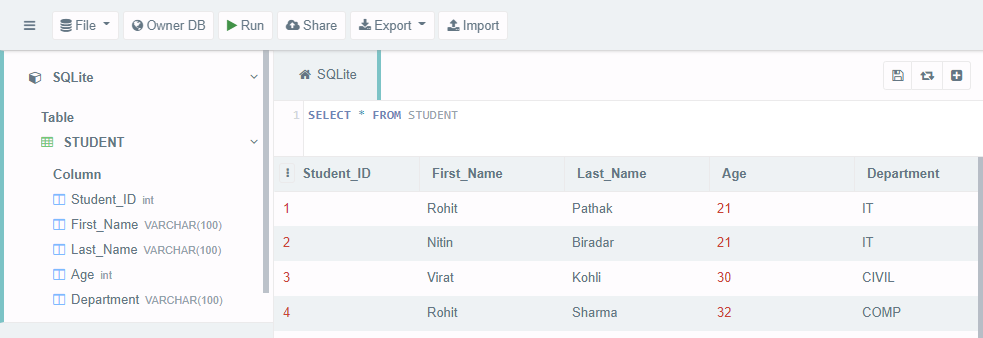
Database Inserted!The above code will insert the data into the STUDENT table
👁 ImageThe following codes show the use of Where Clause
Example 1: To retrieve the data of the students whose Department is IT
Output:
[(1, 'Rohit', 'Pathak', 21, 'IT'), (2, 'Nitin', 'Biradar', 21, 'IT')]
We have 2 records in STUDENT table whose Department is IT.
Example 2: To retrieve the data of the students whose First Name starts with ‘R’. We can also use Wildcard characters with where clause as shown below
Output:
[(1, 'Rohit', 'Pathak', 21, 'IT'), (4, 'Rohit', 'Sharma', 32, 'COMP')]
We have 2 records in the STUDENT table whose First Name starts with the letter ‘R’.
Example 3: To update the data of student whose Student ID is 4
Output:
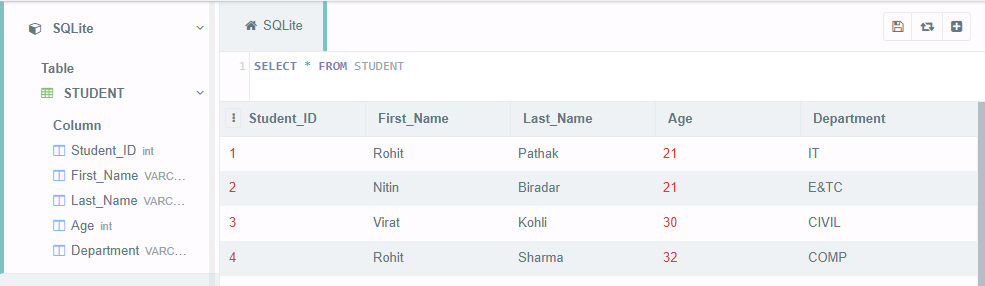
[(1, 'Rohit', 'Pathak', 21, 'IT'), (2, 'Nitin', 'Biradar', 21, 'E&TC'),
(3, 'Virat', 'Kohli', 30, 'CIVIL'), (4, 'Rohit', 'Sharma', 32, 'COMP')]
Check the database content
👁 ImageDepartment is updated for Student ID 2.
Example 4: To Delete the data of student whose Age ID is 32
Output:
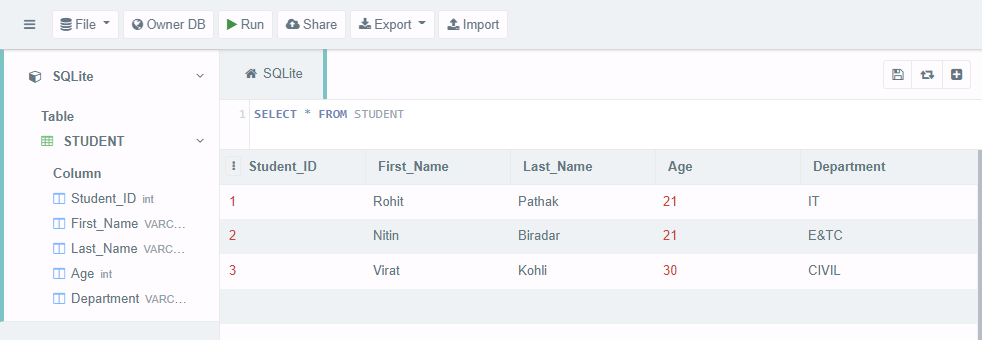
[(1, 'Rohit', 'Pathak', 21, 'IT'), (2, 'Nitin', 'Biradar', 21, 'E&TC'), (3, 'Virat', 'Kohli', 30, 'CIVIL')]
Check the database content
👁 ImageData of Student whose Age is 32 has been deleted.