|
VOOZH | about |
|
VOOZH | about |
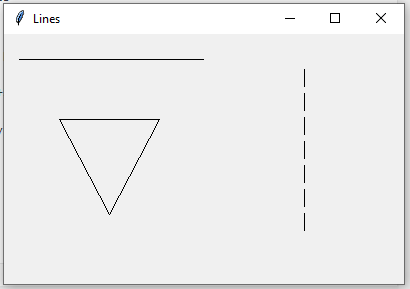
In Tkinter, Canvas.create_line() method is used to create lines in any canvas. These lines can only be seen on canvas so first, you need to create a Canvas object and later pack it into the main window.
Syntax:
Canvas.create_line(x1, y1, x2, y2, ...., options = ...)
Note: Minimum of 4 points are required to create a line, but you can also add multiple points to create different drawings.
Class parameters:
Data members used:
master
canvas
Member functions used for the given class: create() method
Widgets used: Canvas
Tkinter method used:
canvas.create_line()
pack()
title()
geometry()
Below is the Python code -
Output:
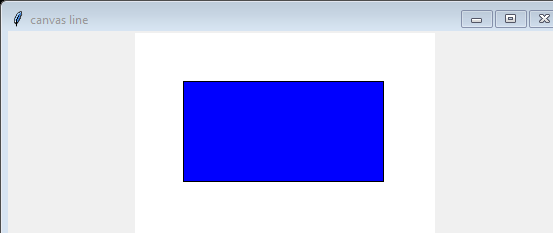
Example 2: For filing color in the shapes.