|
VOOZH | about |
|
VOOZH | about |
A Frame is a rectangular container used to organize and group widgets such as buttons, labels and entry boxes. It helps structure the layout of a GUI by keeping related widgets together. Frames are especially useful for building complex user interfaces with multiple sections.
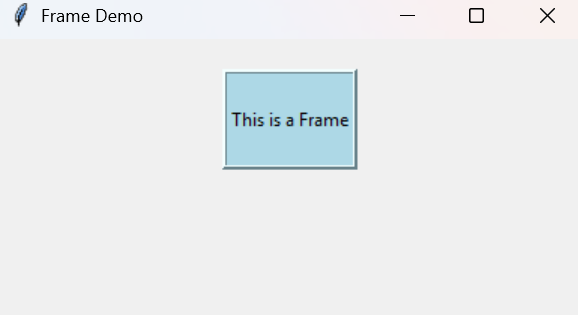
Example: This example shows how a Frame looks and how it holds a widget inside it.
Output
This example creates a clearly visible Frame with a border and places a label inside it.
Explanation:
w = Frame(master, options)
Parameters:
Some commonly used options of the Frame widget are:
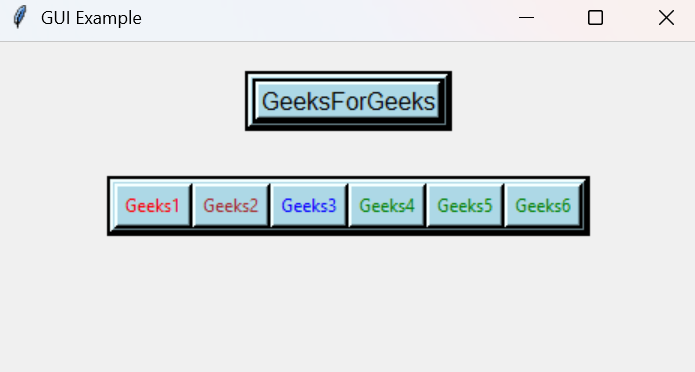
This example creates a GUI window containing a frame, a label, and several buttons. The frame is styled using background color, border, focus highlight, and cursor options to create a visually structured interface.
Output
A GUI window appears containing: A frame with the text GeeksForGeeks, a row of colored buttons and a visible border and focus highlight around frames and widgets.
Explanation: