|
VOOZH | about |
|
VOOZH | about |
Tkinter is a GUI toolkit used in python to make user-friendly GUIs.Tkinter is the most commonly used and the most basic GUI framework available in Python. Tkinter uses an object-oriented approach to make GUIs.
Note: For more information, refer to Python GUI – tkinter
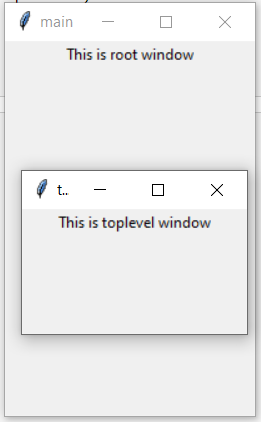
A Toplevel widget is used to create a window on top of all other windows. The Toplevel widget is used to provide some extra information to the user and also when our program deals with more than one application. These windows are directly organized and managed by the Window Manager and do not need to have any parent window associated with them every time.
Syntax:
toplevel = Toplevel(root, bg, fg, bd, height, width, font, ..)
Optional parameters
Common methods
Example 1:
Output
👁 python-tkinter-toplevel
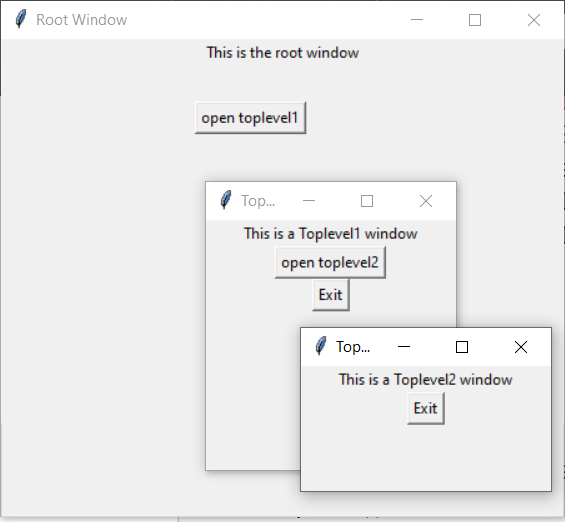
Example 2: Creating Multiple toplevels over one another