|
VOOZH | about |
|
VOOZH | about |
Let's see the various methods to Remove last n rows of a Pandas Dataframe.
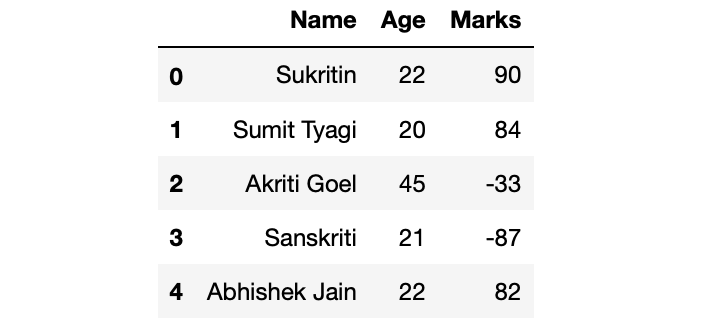
First, let's make a dataframe:
Output:
Method 1: Using Dataframe.drop() .
We can remove the last n rows using the drop() method. drop() method gets an inplace argument which takes a boolean value. If inplace attribute is set to True then the dataframe gets updated with the new value of dataframe (dataframe with last n rows removed).
Example:
Output:
👁 Image
Method 2: Using Dataframe.iloc[ ].
This method is used when the index label of a data frame is something other than numeric series of 0, 1, 2, 3….n or in case the user doesn’t know the index label.
Example:
Output:
Method 3: Using Dataframe.head().
This method is used to return top n (5 by default) rows of a data frame or series.
Example:
Output:
👁 Image
Method 4: Using Dataframe slicing [ ].
Example: