|
VOOZH | about |
|
VOOZH | about |
Prerequisite: Implementing Web Scraping in Python with Scrapy
Scrapy is a python library that is used for web scraping and searching the contents throughout the web. It uses Spiders which crawls throughout the page to find out the content specified in the selectors. Hence, it is a very handy tool to extract all the content of the web page using different selectors.
To create a spider and make it crawl in Scrapy there are two ways, either we can create a directory which contains files and folders and write some code in one of such file and execute search command, or we can go for interacting with the spider through the command line shell of scrapy. So to interact in the shell we should be familiar with the command line tools of the scrapy.
Scrapy command-line tools provide various commands which can be used for various purposes. Let's study each command one by one.
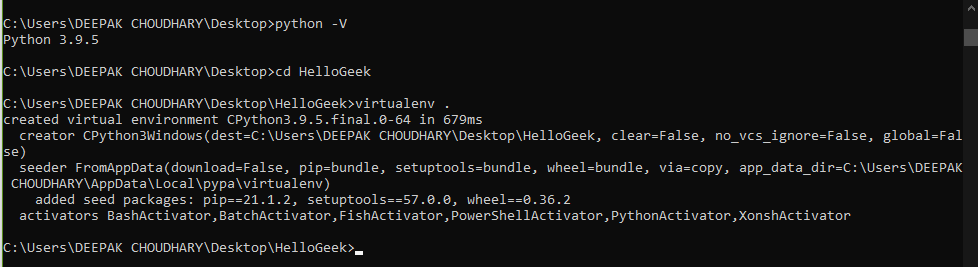
First, make sure Python is installed on your system or not. Then create a virtual environment.
Example:
We are using a virtual environment to save the memory since we globally download such a large package to our system then it will consume a lot of memory, and also we will not require this package a lot until if you are focused to go ahead with it.
To activate the virtual environment just created we have to first enter the Scripts folder and then run the activate command
cd Scripts
activate
cd..
Example:
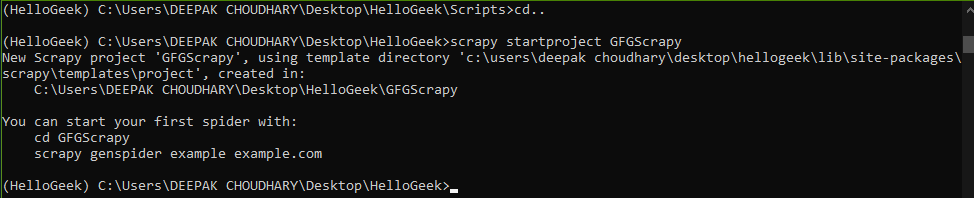
Then we have to run the below-given command to install scrapy from pip and then the next command to create scrapy project named GFGScrapy.
# This is the command to install scrapy in virtual env. created above
pip install scrapy
# This is the command to start a scrapy project.
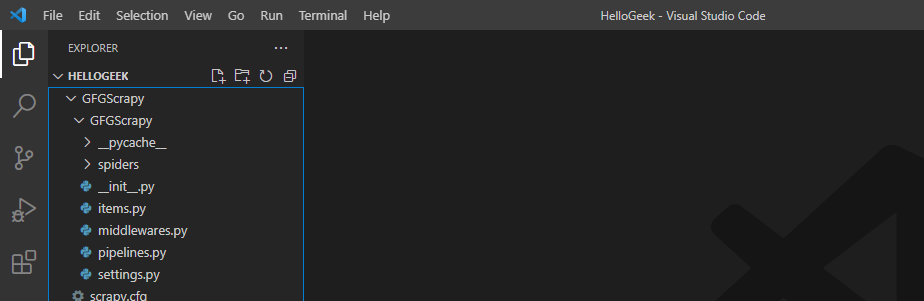
scrapy startproject GFGScrapy
Example:
Now we're going to create a spider in scrapy. To that spider, we should input the URL of the site which we want to Scrape.
# change the directory to that where the scrapy project is made.
cd GFGScrapy
# input the URL
scrapy genspider spiderman https://quotes.toscrape.com/
Hence, we created a scrapy spider that crawls on the above-mentioned site.
Example:
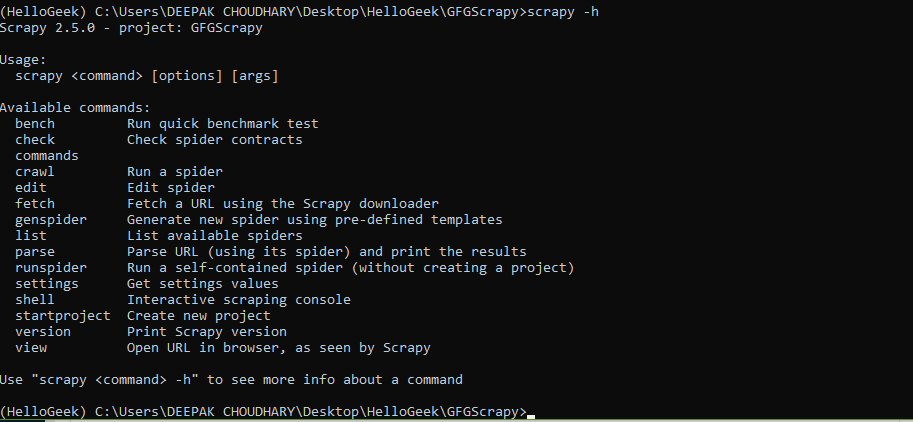
To see the list of available tools in scrapy or for any help about it types the following command.
Syntax:
scrapy -h
If we want more description of any particular command then type the given command.
Syntax:
scrapy <command> -h
Example:
The list of commands with their applications are discussed below:
Syntax:
scrapy bench
Syntax:
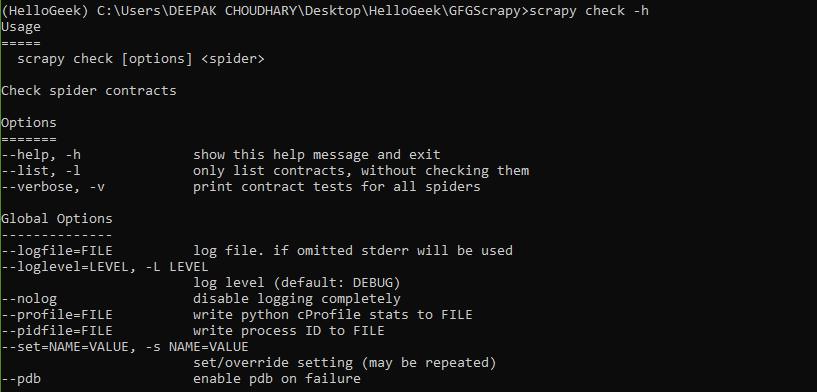
scrapy check [options] <spider>
Example:
Syntax:
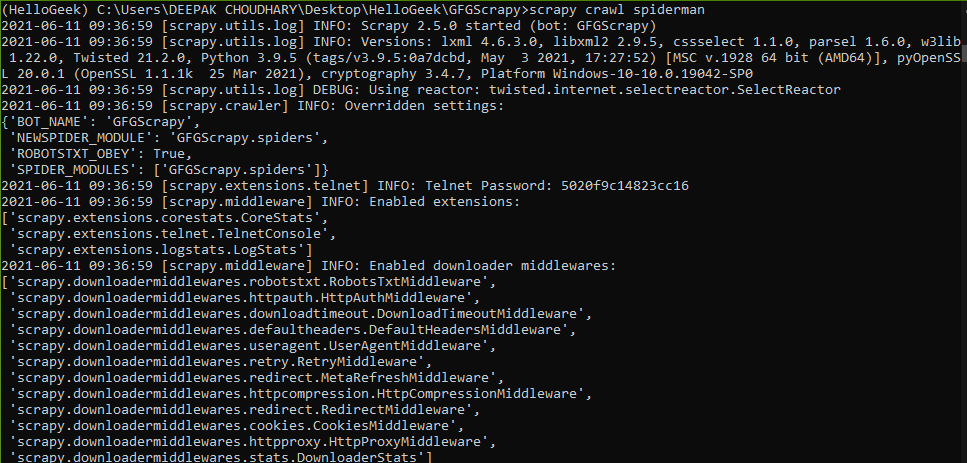
scrapy crawl spiderman
Example:
Syntax:
scrapy -version
This command opens a new tab with the URL name of the HTML file where the specified URL's data is kept,
Syntax:
scrapy view [url]
Example:
Apart from all these default present command-line tools scrapy also provides the user a capability to create their own custom tools as explained below:
In the settings.py file we have an option to add custom tools under the heading named COMMANDS_MODULE.
Syntax :
COMMAND_MODULES = 'spiderman.commands'
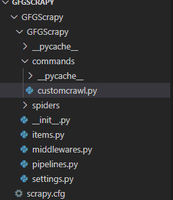
The format is <project_name>.commands where commands are the folder which contains all the commands.py files. Let's create one custom command. We are going to make a custom command which is used to crawl the spider.
Program:
So under the settings.py file mention a header named COMMANDS_MODULE and add the name of the commands folder as shown:
Syntax:
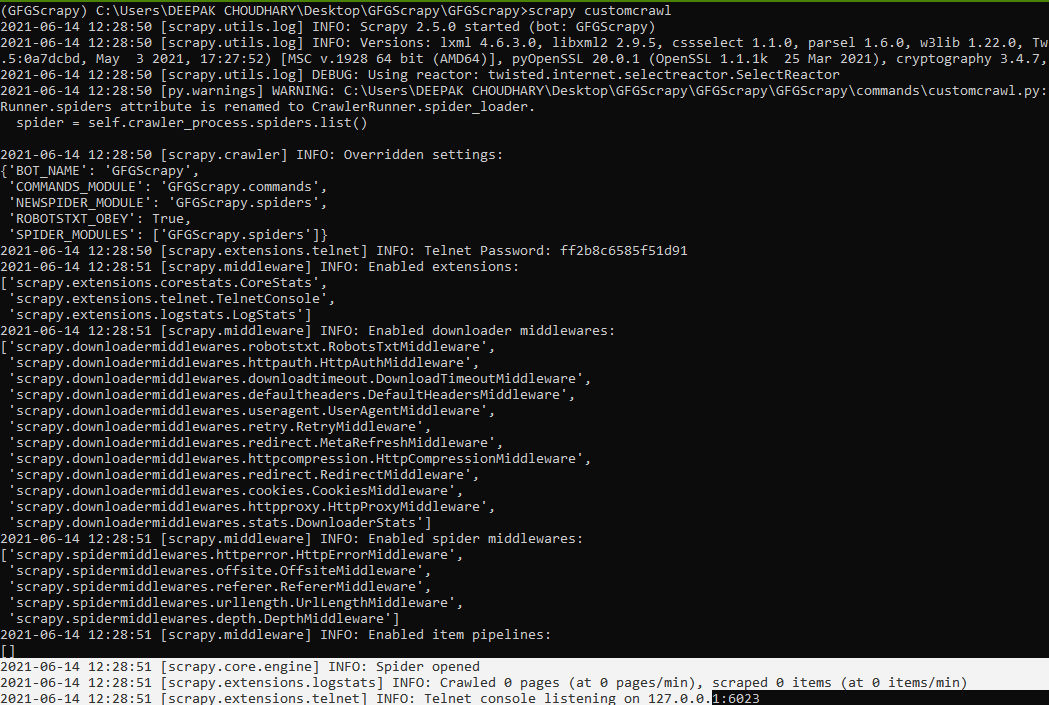
scrapy custom_command_file_name
Example:
Hence, we saw how we can define a custom command and use it instead of using default commands too. We can also add commands to the library and import them in the section under setup.py file in scrapy.