|
VOOZH | about |
|
VOOZH | about |
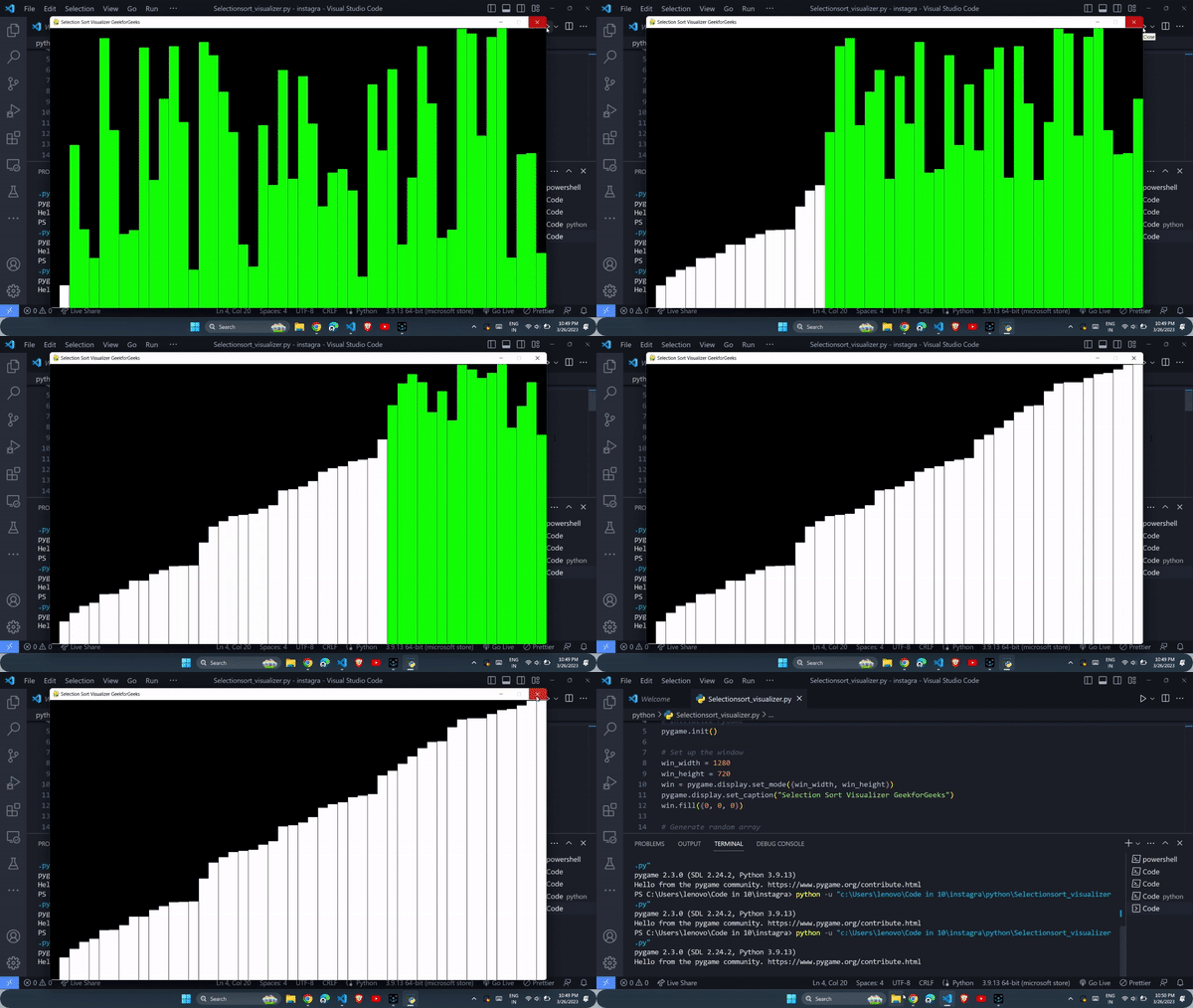
In this article, we will see how to visualize Selection sort using a Python library PyGame. It is easy for the human brain to understand algorithms with the help of visualization. Selection sort is a simple and easy-to-understand algorithm that is used to sort elements of an array by dividing the array into two parts one sorted and the other unsorted part. Initially, the unsorted part contains all the elements and the sorted part is empty. In each iteration, we look for the minimum element in the unsorted part and swap it with the first element of the unsorted part and then we move the boundary of the sorted and unsorted parts one element to the right.
We will be using PyGame, a Python library for game development. In the visualizer, there will be an array as a row of bars with varying heights and we will also use colors to differentiate between sorted and unsorted parts of the array.z
Necessary modules
pip install pygame
First, we need to set up the PyGame environment and will create a window with a black background.
Next, we need to generate a random array of integers and initialize the sorted and unsorted parts of the array
Now, we can create a loop that will iterate until the entire array is sorted
Finally, we need to add some event handling to exit the program.
Overall, your code will look something like this