|
VOOZH | about |
|
VOOZH | about |
Tkinter is the standard GUI library for Python. Tkinter in Python comes with a lot of good widgets. Widgets are standard GUI elements, and the Label will also come under these Widgets
Note: For more information, refer to Python GUI – tkinter
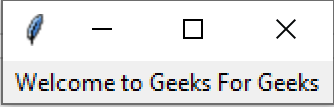
Tkinter Label is a widget that is used to implement display boxes where you can place text or images. The text displayed by this widget can be changed by the developer at any time you want. It is also used to perform tasks such as to underline the part of the text and span the text across multiple lines.
Example:
We can use place() method to set the position of the Tkinter labels.
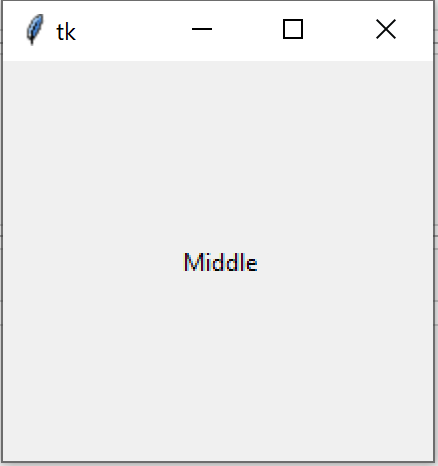
Example 1: Placing label at the middle of the window
Output:
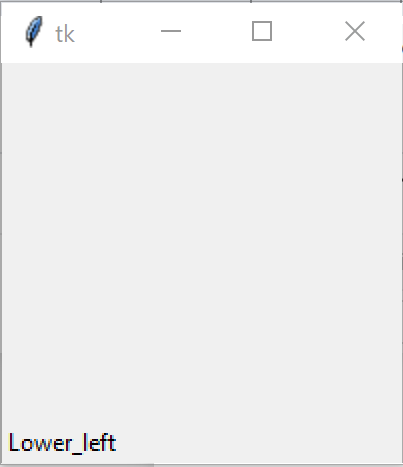
Example 2: Placing label at the lower left side of window
Output
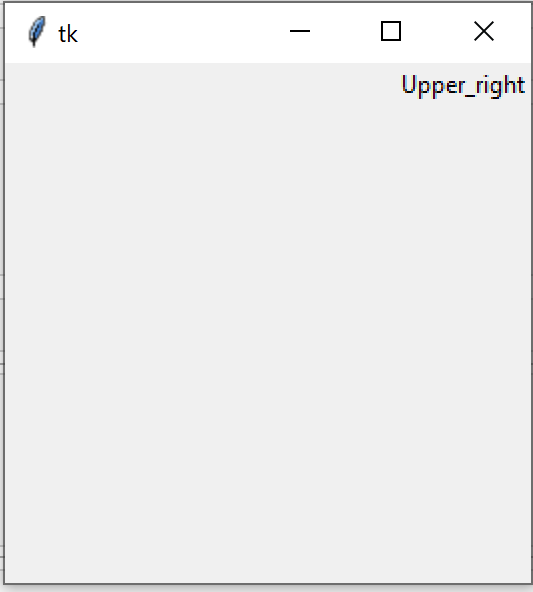
Example 3: Placing label at the upper right side of window