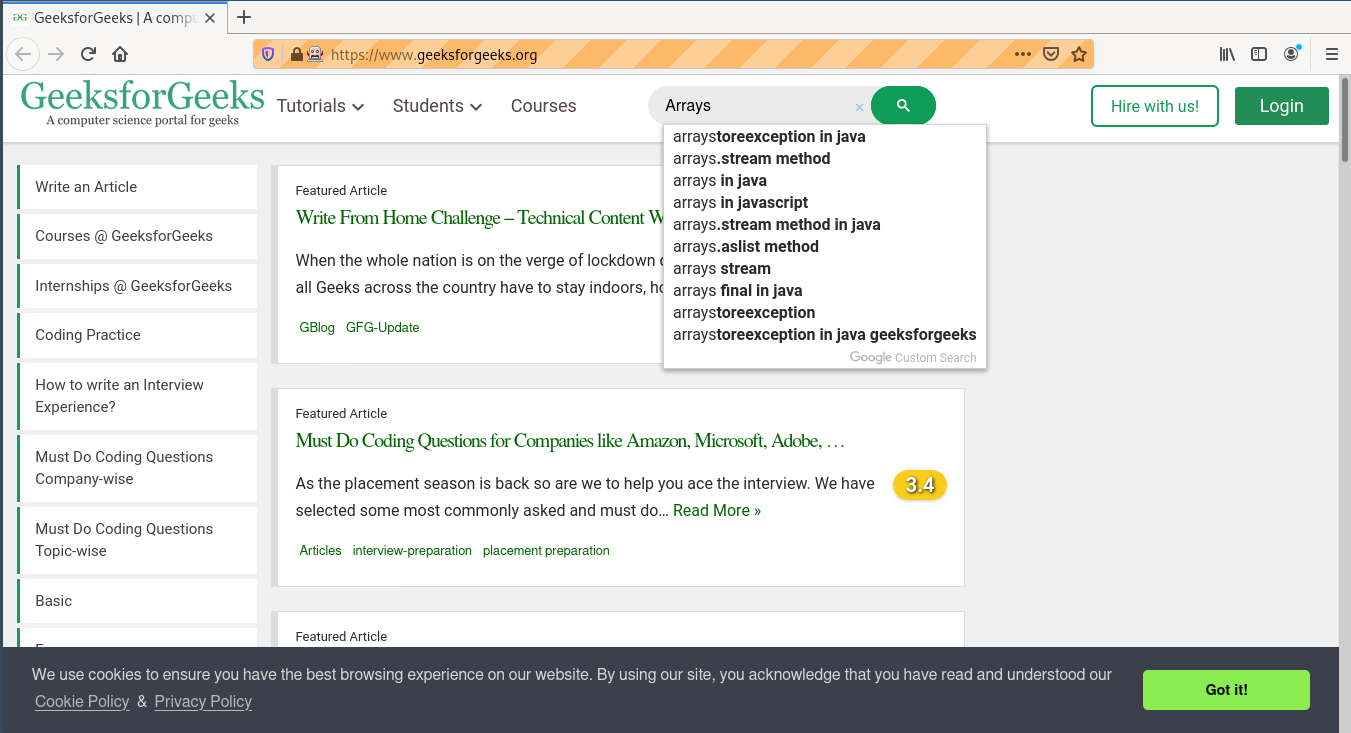
Selenium’s Python Module is built to perform automated testing with Python. Selenium Python bindings provides a simple API to write functional/acceptance tests using Selenium WebDriver. To open a webpage using Selenium Python, checkout -
Navigating links using get method – Selenium Python. Just being able to go to places isn’t terribly useful. What we’d really like to do is to interact with the pages, or, more specifically, the HTML elements within a page. There are multiple strategies to find an element using Selenium, checkout -
Locating Strategies
This article revolves around how to use
size method in Selenium.
size method is used to get size of current element.
Syntax -
element.size
Example -
To find an element one needs to use one of the locating strategies, For example,
element = driver.find_element_by_id("passwd-id")
element = driver.find_element_by_name("passwd")
element = driver.find_element_by_xpath("//input[@id='passwd-id']")
Also, to find multiple elements, we can use -
elements = driver.find_elements_by_name("passwd")
Now one can get size of this element with -
element.size
How to use size element method in Selenium Python ?
Let's try to get element and its size at geeksforgeeks using
size method.
Program -