|
VOOZH | about |
|
VOOZH | about |
In this article, we will read How to take input from stdin in Python.
There are a number of ways in which we can take input from stdin in Python.
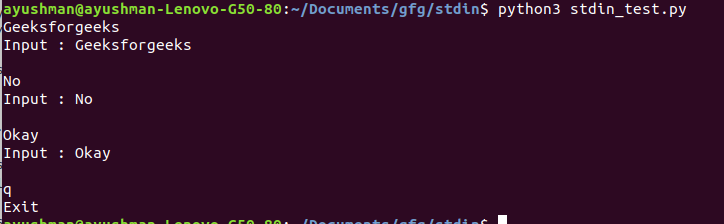
First we need to import sys module. sys.stdin can be used to get input from the command line directly. It used is for standard input. It internally calls the input() method. Furthermore, it, also, automatically adds '\n' after each sentence.
Output
The input() can be used to take input from the user while executing the program and also in the middle of the execution.
Output:
If we want to read more than one file at a time, we use fileinput.input(). There are two ways to use fileinput.input(). To use this method, first, we need to import fileinput.
Here, we pass the name of the files as a tuple in the "files" argument. Then we loop over each file to read it. "sample.txt" and "no.txt" are two files present in the same directory as the Python file.
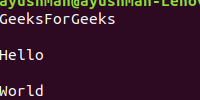
Output:
Here, we pass the file name as a positional argument in the command line. fileargument parses the argument and reads the file and displays the content of the file.
Output: