|
VOOZH | about |
|
VOOZH | about |
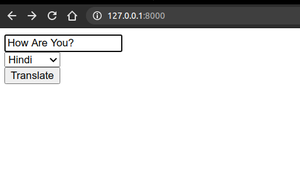
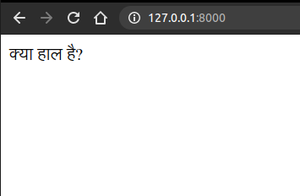
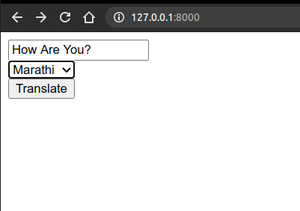
We will build a simple translator app using Django. We will learn how to set up a project, create a form to input text and select a language, and use the Python translate package to convert text from one language to another. Step-by-step, we’ll create a working app that translates user input into different languages.
Open your terminal and run:
pip install django
pip install translate
Refer to the following articles to check how to create a project and an app in Django.
Open terminal and run:
django-admin startproject translator
cd translator
python manage.py startapp main
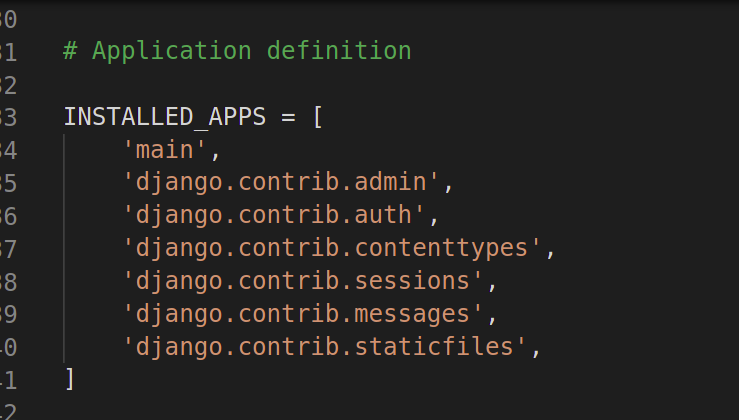
In translator/settings.py, add "main" to the INSTALLED_APPS list:
👁 InstalledAppsInSettingsIn main/views.py, add the following code:
Inside the main app folder, create these directories:
main/
└── templates/
└── main/
└── index.html
Create index.html with the following content:
Create main/urls.py:
In translator/urls.py, include the app’s URLs: