|
VOOZH | about |
|
VOOZH | about |
Python dotenv is a powerful tool that makes it easy to handle environment variables in Python applications from start to finish. It lets you easily load configuration settings from a special file (usually named .env) instead of hardcoding them. This makes your code more secure, easier to manage, and better organized. In this article, we'll see over the most important parts of Python dotenv and show you how to use it effectively through examples.
Below are the uses of the Python dotenv module in Python:
Below are the examples of Python Dotenv in Python:
Install the Python Dotenv library by running the following command in your terminal or integrated terminal within your Python IDE.
pip install python-dotenv.env file
SECRET_KEY=mysecretkey
DATABASE_URL=postgres://user:password@localhost/db
API_KEY=your-api-key
DEBUG=True
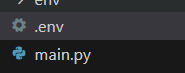
File Structure
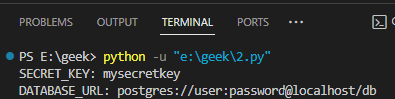
main.py : In this example, the Python script is utilizing Python-Dotenv to load environment variables, specifically SECRET_KEY and DATABASE_URL, from a .env file. The script then prints the values of these variables, showcasing a basic usage scenario. This practice enhances security by keeping sensitive information external to the code and allows for easy configuration management.
Output:
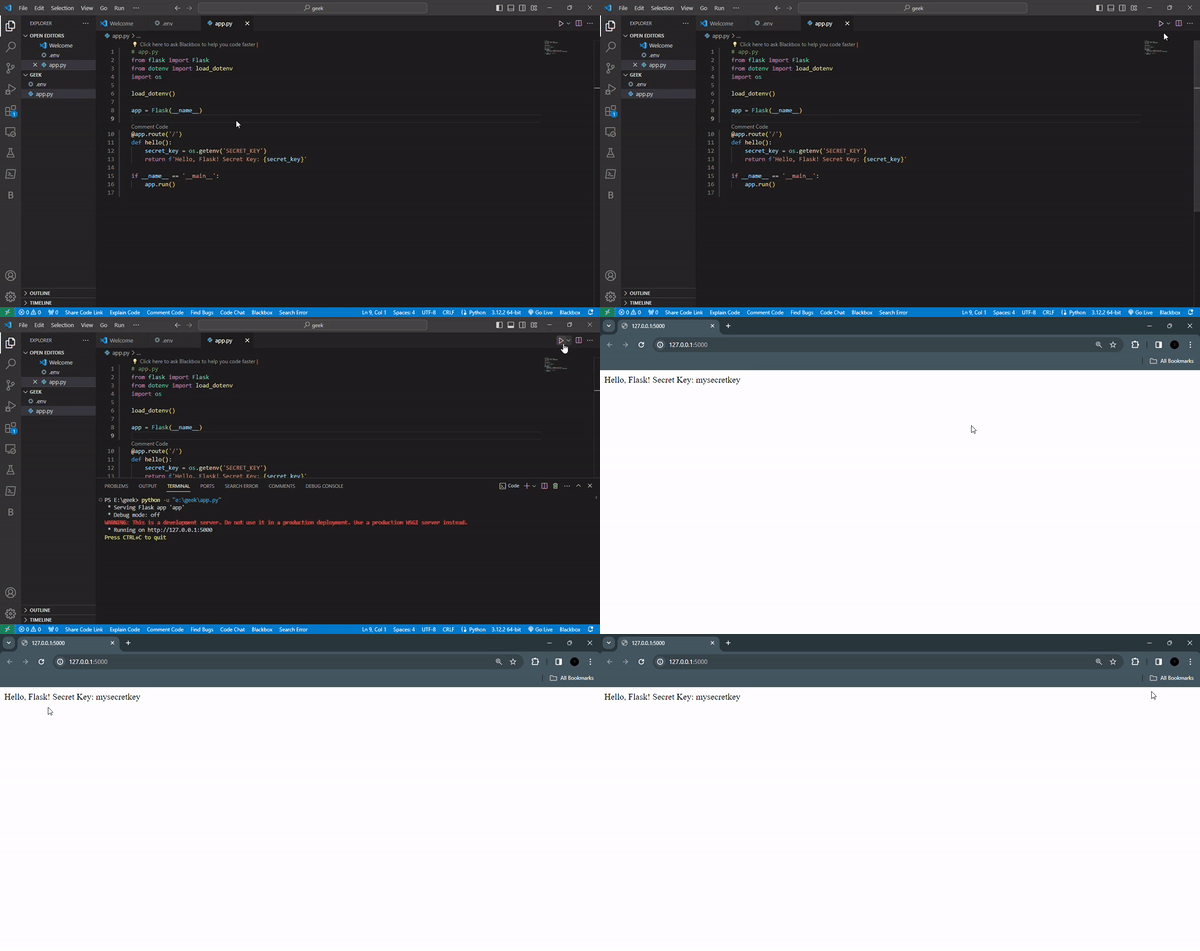
main.py : Below Flask app imports necessary modules, including Flask and dotenv for managing environment variables. It loads environment variables from a .env file using load_dotenv(). The app defines a route '/' that returns a message including a secret key retrieved from the environment variables. If executed directly, the app runs.
Output:
👁 ezgifcom-video-to-gif-converter
In conclusion, Python-dotenv is a powerful tool for Python developers that makes it easy to work with environment variables. It streamlines the process of loading configuration settings from environment variables, securely storing sensitive data, and managing complex configurations. Examples are included to show how Python-dotenv can be used in different situations to improve the flexibility and security of your projects.