|
VOOZH | about |
|
VOOZH | about |
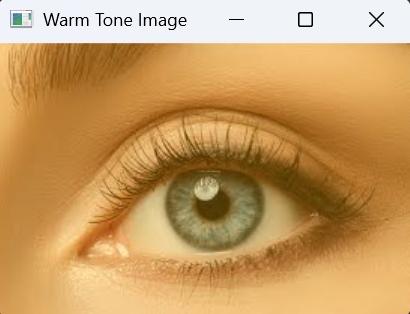
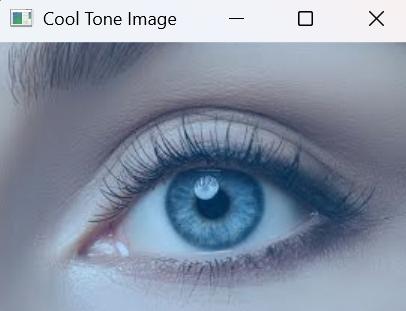
Warm and cool tones are commonly used in image processing to enhance the visual mood of an image. A warm tone adds a yellowish shade making the image look brighter and energetic, while a cool tone introduces a bluish tint that gives a calm and colder appearance.
In OpenCV, these effects are created by blending the original image with a colored background using the addWeighted() function.
Images can have different resolutions depending on the source device. When applying warm or cool tones, the colored background must always match the size of the input image. If the background size does not match, OpenCV cannot blend them properly.
For example:
To handle this automatically, we generate a solid color background dynamically based on the image dimensions.
In this code, we load an image, create warm and cool color overlays matching its size, and blend them with the original using OpenCV’s addWeighted() function to generate toned images.
Note: For this article, we will be using a sample image "sample.jpg", to download, click here.
Output:
Warm Tone Image
Cool Tone Image
Code Explanation: